
Introduction
You've spent hours creating the perfect Instagram video, stunning visuals, engaging captions, and trending audio. But here's the problem: your content is only reaching one platform's audience while your Facebook followers remain untapped. The consequence? You're leaving thousands of potential views, engagement, and business opportunities on the table.
The solution is simpler than you think. Repurposing Instagram video content to Facebook can double your reach without doubling your workload. This comprehensive guide will show you exactly how to do it right.
Why Repurposing Instagram Videos to Facebook Matters

Cross-platform content distribution isn't just a trend, it's a necessity for modern content creators and businesses. Here's why:
The Numbers Don't Lie
Facebook still boasts over 2.9 billion monthly active users, while Instagram reaches 2 billion. By repurposing your Instagram videos to Facebook, you're potentially doubling your audience reach with content you've already created. This strategy is particularly powerful for:
- Small businesses looking to maximize marketing budgets
- Content creators building their personal brand
- Social media managers handling multiple client accounts
- Influencers expanding their digital footprint
The Strategic Advantage
When you repurpose Instagram Reels for YouTube Shorts and TikTok, you're already thinking multi-platform. Adding Facebook to your distribution strategy creates a comprehensive content ecosystem that works while you sleep.
Understanding Platform Differences: Instagram vs. Facebook Video

Before diving into the how-to, understanding the key differences between Instagram and Facebook video formats is crucial for successful repurposing.
Video Specifications
Instagram:
- Reels: 9:16 vertical format, up to 90 seconds
- Feed Videos: Square (1:1) or vertical (4:5), up to 60 minutes
- Stories: 9:16 vertical, 15-second segments
Facebook:
- Reels: 9:16 vertical format, up to 90 seconds
- Feed Videos: Landscape (16:9) preferred, but supports various ratios
- Stories: 9:16 vertical, similar to Instagram
Algorithm Considerations
Instagram's algorithm prioritizes:
- Watch time and completion rates
- Saves and shares
- Quick engagement within the first hour
Facebook's algorithm favors:
- Meaningful interactions and comments
- Watch time (especially beyond 3 seconds)
- Native uploads over cross-posted content
Critical insight: Facebook penalizes content with Instagram watermarks or obvious cross-posts. This is why proper repurposing matters more than simple reposting.
Step-by-Step Process: How to Repurpose Instagram Video Content to Facebook

Step 1: Download Your Instagram Video Content
The first step in effective repurposing is obtaining a high-quality, watermark-free version of your Instagram video. This is where the right tools make all the difference.
Using GramFetchr Video Downloader:
- Open your Instagram app and locate the video you want to repurpose
- Tap the share button and select "Copy Link"
- Visit GramFetchr on your browser
- Paste the Instagram link into the URL input box
- Click the Download button to preview your content
- Download the video in its original quality without watermarks
The video downloader preserves your content's original resolution, ensuring your Facebook audience gets the same high-quality experience. Unlike screenshotting or using Instagram's built-in download feature (which adds watermarks), this method gives you clean, professional-grade content ready for repurposing.
For Instagram Reels specifically, the Reels downloader makes it incredibly simple to download Instagram Reels with audio, which is essential for maintaining your video's impact.
Step 2: Optimize the Video Format
Once downloaded, assess whether your video needs reformatting for Facebook:
For Reels-to-Facebook-Reels:
- Keep the 9:16 vertical format
- No editing needed for aspect ratio
- Focus on content optimization
For Feed Videos:
- Consider converting vertical content to square (1:1) for better feed visibility
- Use free tools like Canva or CapCut for quick reformatting
- Add branded borders if maintaining vertical format
Pro tip: Turn downloaded IG videos into audiograms and clips for even more content variety on Facebook.
Step 3: Remove Instagram-Specific Elements
This step is crucial for avoiding Facebook's duplicate content penalties:
- Remove Instagram usernames from captions
- Edit out Instagram-specific call-to-actions (like "double-tap" or "swipe up")
- Replace Instagram hashtags with Facebook-optimized ones
- Remove any Instagram watermarks (already handled if using GramFetchr)
Step 4: Customize Your Caption for Facebook
Facebook captions require a different approach than Instagram:
Instagram captions are:
- Short and punchy
- Heavy on emojis
- Multiple hashtags (10-15)
Facebook captions should be:
- More conversational and longer
- Storytelling-focused
- Fewer hashtags (3-5 maximum)
- Question-driven to encourage comments
Example transformation:
Instagram: "New workout routine! 💪 Try this 5-minute abs workout 🔥 #fitness #workout #absworkout #fitnessmotivation"
Facebook: "Have you been struggling to find time for fitness? I created this 5-minute abs routine that you can do anywhere, no equipment needed. What's your biggest challenge when it comes to working out at home? Let me know in the comments! #fitness #homeworkout #wellness"
Step 5: Upload Natively to Facebook
Never share directly from Instagram to Facebook. Instead:
- Upload the downloaded video directly to Facebook
- Use Facebook's native video uploader
- Add platform-specific captions
- Include relevant tags and locations
- Choose appropriate privacy settings
Native uploads perform 10x better on Facebook than cross-posted content due to algorithm preferences.
Step 6: Optimize Posting Times
Timing matters significantly on Facebook:
- Best posting times: Tuesday through Thursday, 1-3 PM
- Worst posting times: Weekend evenings
- Consider your audience's timezone and activity patterns
Use Facebook Insights to identify when your specific audience is most active.
Advanced Optimization Strategies for Facebook Success
Leverage Facebook's Video Features
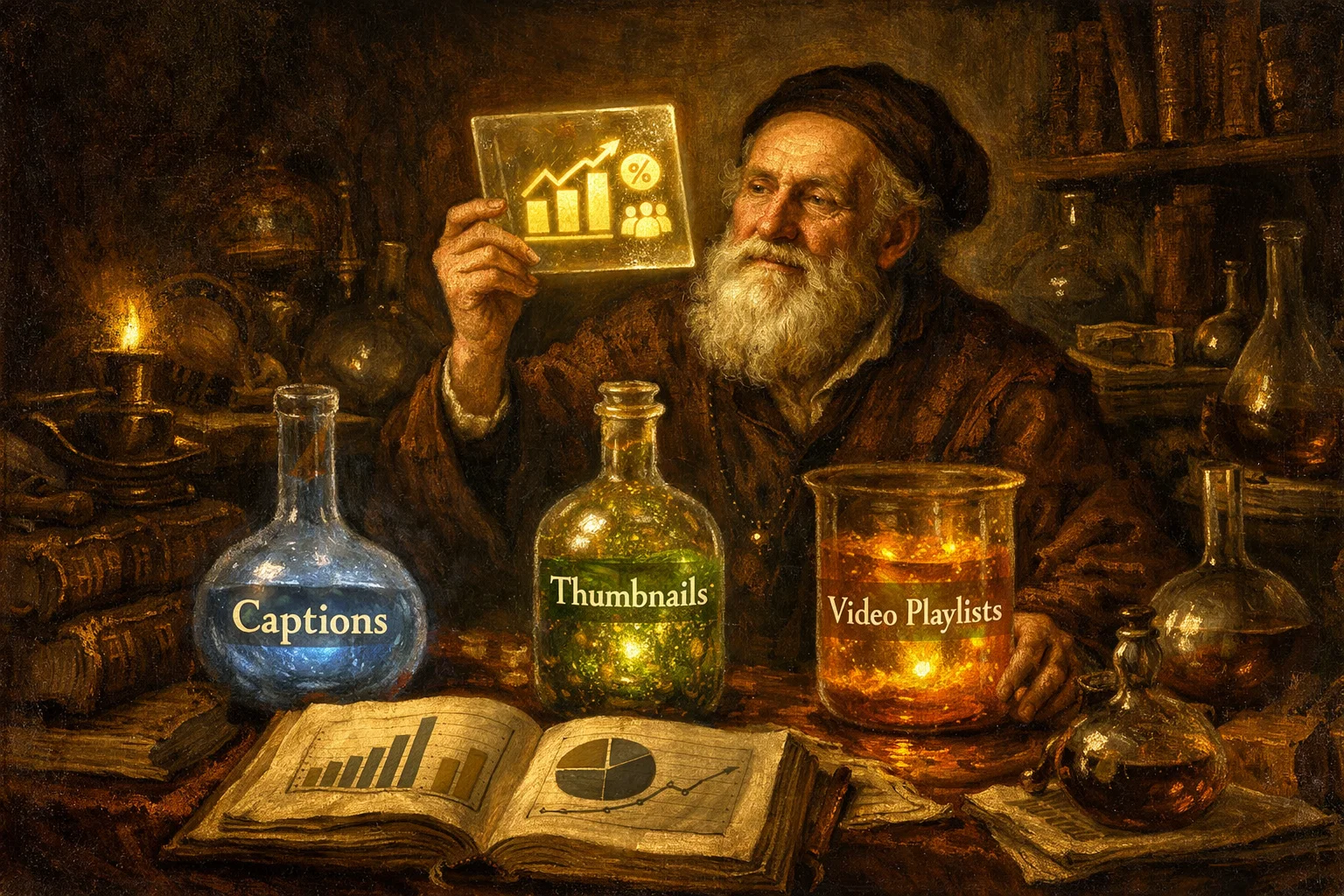
1. Add Captions and Subtitles
- 85% of Facebook videos are watched without sound
- Auto-generated captions increase video completion rates by 12%
- Use Facebook's automatic captioning or upload custom SRT files
2. Create Custom Thumbnails If you're repurposing Instagram content with eye-catching covers, download Instagram reel thumbnails in high quality to use as Facebook video thumbnails. This maintains brand consistency across platforms and Instagram reel covers are crucial for grid aesthetics the same principle applies to Facebook.
3. Utilize Facebook Video Playlists
- Group related repurposed content into playlists
- Increases overall watch time by suggesting next videos
- Perfect for series or themed content
Content Batching for Maximum Efficiency
How influencers and brands approach repurposing:
Similar to how influencers back up their Instagram content, successful content creators batch their repurposing process:
- Monday: Download 5-7 Instagram videos
- Tuesday: Optimize and edit for Facebook
- Wednesday-Friday: Schedule posts using Facebook Business Suite
- Weekend: Analyze performance and plan next batch
This systematic approach ensures consistent cross-platform presence without daily stress.
Engagement Optimization
Facebook rewards meaningful interactions:
- Ask questions in your captions to prompt comments
- Respond to all comments within the first hour of posting
- Create polls or discussion starters related to your video content
- Tag relevant pages or people (when appropriate)
For team collaboration, understand the benefits of downloading IG feed videos for team use to streamline your content workflow.
Common Mistakes to Avoid When Repurposing

Mistake #1: Cross-Posting Instead of Repurposing
The problem: Using Instagram's "Share to Facebook" feature leaves watermarks and limits reach.
The solution: Always download and upload natively. Use GramFetchr for watermark-free downloads.
Mistake #2: Ignoring Facebook's Video Length Preferences
The problem: Instagram Reels max at 90 seconds; Facebook videos perform better at 2-5 minutes for certain content types.
The solution: Consider how to trim downloaded IG vids for other apps or expand content for Facebook's longer format preferences.
Mistake #3: Using Identical Captions
The problem: Platform-specific language doesn't resonate across all audiences.
The solution: Rewrite captions to match Facebook's conversational tone and longer format.
Mistake #4: Neglecting Video Quality
The problem: Low-quality downloads or excessive compression ruins viewer experience.
The solution: Use reliable download tools that preserve original quality. Learn why downloaded Instagram photos look blurry to avoid similar video issues.
Mistake #5: Forgetting About Mobile Optimization
The problem: 98% of Facebook users access the platform via mobile devices.
The solution: Always preview how your repurposed video looks on mobile before posting. Vertical and square formats typically perform best.
Tools and Resources for Seamless Repurposing

Essential Tools
1. GramFetchr (Download Tool)
- Homepage for all-in-one downloads
- Video Downloader for standard IG videos
- Reels Downloader for Instagram Reels
- Photo Downloader for image content
- Story Downloader for Stories
- Highlights Downloader for saved Highlights
- Thumbnail Downloader for Reel covers
2. Video Editing Tools
- CapCut: Free mobile editing app
- InShot: Quick video editing and resizing
- Canva: Templates and easy formatting
3. Scheduling Tools
- Facebook Business Suite (free)
- Later
- Hootsuite
Content Organization Systems
For larger content libraries, learn how to download IG content in bulk for content planning. This is particularly useful for:
- Social media managers handling multiple accounts
- Agencies managing client content
- Creators building content calendars
Additionally, how to organize downloaded highlights for brand portfolios can help maintain a structured approach to your repurposed content library.
Advanced Cross-Platform Strategies
Creating a Content Repurposing Workflow
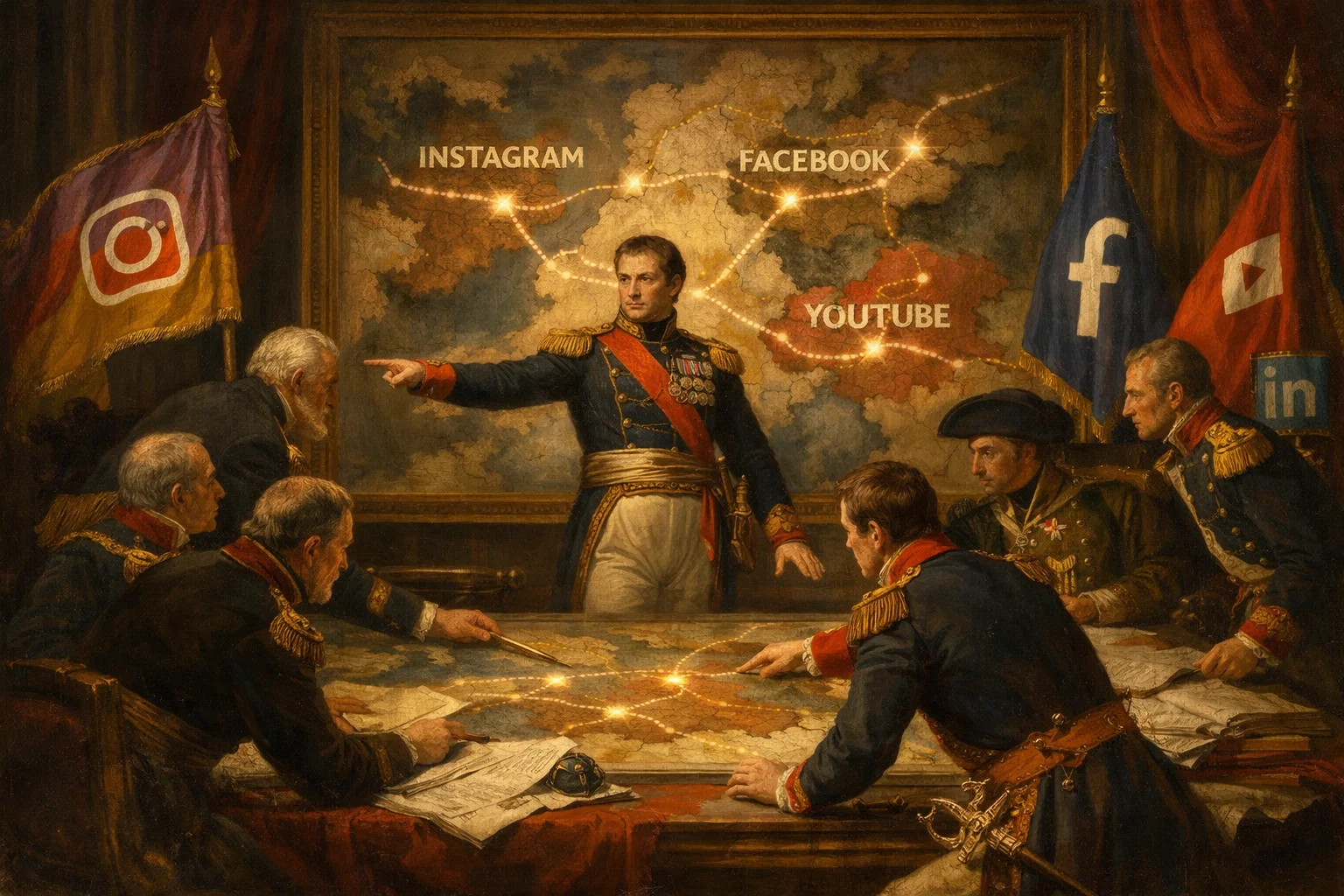
The Triple-Platform Strategy:
Just as creators turn downloaded IG Reels into GIFs or stickers for various uses, think beyond just Instagram and Facebook:
- Instagram (Original upload)
- Facebook (Repurposed with platform-specific optimization)
- YouTube Shorts (Additional reach)
- LinkedIn (For B2B content)
Repurposing for Different Facebook Content Types
Instagram Reels → Facebook Reels:
- Direct format match
- Optimize captions
- Add Facebook-specific hashtags
Instagram Feed Videos → Facebook Feed Posts:
- Consider landscape format
- Longer captions work better
- Focus on storytelling
Instagram Stories → Facebook Stories:
- Download Stories content easily with Instagram story saver for phone
- Remove Instagram stickers and mentions
- Add Facebook-specific interactive elements
Building a Sustainable Content System
For businesses and serious creators, understanding how brands use story downloads for analytics and reposting provides insights into creating a data-driven repurposing strategy.
Key metrics to track:
- Engagement rate per platform
- Video completion rates
- Click-through rates (if using links)
- Comments and shares ratio
- Follower growth attributed to repurposed content
Maximizing ROI from Repurposed Content

Monetization Opportunities
Repurposed Instagram videos on Facebook can:
- Qualify for Facebook Ad Breaks (monetization program)
- Drive traffic to your business website
- Generate leads through Facebook Lead Forms
- Support e-commerce through Facebook Shop integration
Building Authority Through Consistency
Similar to creating a reel portfolio from downloaded reels, maintaining a consistent Facebook presence with quality repurposed content establishes you as an authority in your niche.
The compound effect:
- Week 1-4: Building momentum
- Week 5-8: Increased engagement
- Week 9-12: Algorithmic favor and organic growth
- Beyond 12 weeks: Sustainable multi-platform presence
Legal and Ethical Considerations

When Repurposing Your Own Content
You have full rights to repurpose your original Instagram content. However:
- Ensure you own all music rights if using copyrighted audio
- Remove any tagged brands that didn't authorize reuse
- Update outdated information in older videos
When Repurposing Others' Content
If you're a social media manager or team member:
- Get explicit permission to download and repurpose client content
- Maintain proper attribution
- Follow platform guidelines for branded content
- Never download or repurpose from private accounts
Understanding Instagram safety and privacy is essential when working with any content.
Measuring Success: Analytics and Optimization

Key Performance Indicators (KPIs)
Track these metrics for repurposed Facebook videos:
- Reach and Impressions
- How many people saw your video?
- Is Facebook reach comparable to Instagram?
- Engagement Rate
- Comments, likes, shares per view
- Target: 3-5% engagement rate
- Video Completion Rate
- What percentage watched to the end?
- Aim for 40%+ completion
- Click-Through Rate
- If including links, track CTR
- Benchmark: 1-2% is good
A/B Testing for Optimization
Just as you might do reel thumbnail A/B testing, test different elements of your Facebook repurposing strategy:
- Post times
- Caption lengths
- Video formats (vertical vs. square)
- Thumbnail choices
- Call-to-action variations
Conclusion
Repurposing Instagram video content to Facebook isn't just about saving time, it's about strategic content multiplication that maximizes your creative efforts. By following this guide, you can:
✅ Double your audience reach without doubling your workload
✅ Maintain high-quality, platform-optimized content
✅ Avoid duplicate content penalties
✅ Build a consistent multi-platform presence
✅ Increase overall engagement and ROI
The key is understanding that repurposing is different from reposting. Take the time to download watermark-free content using tools like GramFetchr, optimize for each platform's unique algorithm and audience, and maintain consistency in your cross-platform strategy.
Start with one video this week. Download it, optimize it for Facebook, and track the results. As you refine your process, you'll develop a sustainable content repurposing system that works for your brand and audience.
For more insights on content repurposing strategies, explore the comprehensive resources available on the GramFetchr blog.