
TL;DR
- Instagram SEO is mostly text matching. Your name field, bio, captions and alt text decide whether you show up for a search at all.
- Engagement decides how high you rank once you match. Search and Reels recommendations are separate systems that use different signals.
- You get five hashtags per post now. Use them as labels.
- Public posts from professional accounts can rank on Google. Google Search Console now shows you which queries bring people to them.
Picture someone typing “sourdough starter tips” into Instagram search. A baker with 900 followers shows up above an account with 200K. That isn’t luck. It’s text matching, and it’s the core of Instagram SEO.
Most Instagram SEO advice online is out of date, because three things changed. Instagram capped hashtags at five in December 2025. Public posts from professional accounts can rank on Google since July 10, 2025. And since July 2026, Google Search Console can show you which searches lead to your posts. This guide covers all three. By the end you’ll have a keyword map, a rewritten profile, and a 30-day test that shows whether any of it worked.
What Instagram SEO actually covers in 2026
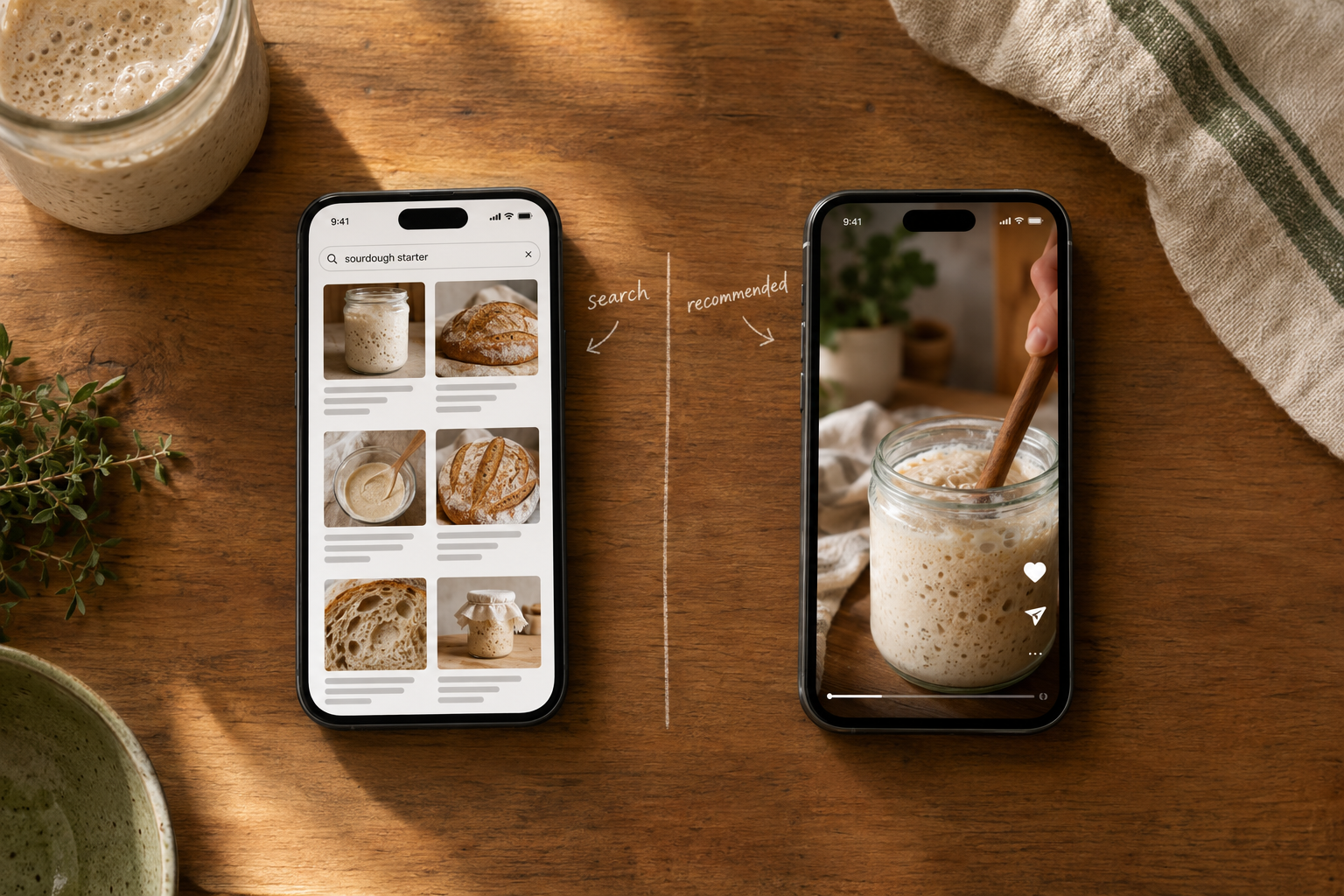
Search ranking and recommendation ranking are different systems
Most guides treat these as one algorithm. They aren’t, and that confusion is why people tweak the wrong thing.
| Instagram Search | Reels and Explore recommendations | |
|---|---|---|
| Triggered by | Someone typing a query | Instagram choosing what to show |
| Main signals | Query text, the searcher’s activity, popularity (clicks, likes, shares, follows) | Watch time, likes per reach, sends per reach |
| What you control | Words in your name, bio, captions, alt text | Whether people watch, like and share |
In Instagram’s own explainer, Adam Mosseri says the text you type is by far the strongest search signal. Account, hashtag and place data then help rank the results. Recommendations work differently. Mosseri has said the three signals that matter most there are watch time, likes and sends. Likes count slightly more with existing followers, and sends count slightly more with people who don’t follow you.
The short version: SEO gets you into the results. Engagement decides where you sit when lots of accounts match the same query. (internal link: how the Reels algorithm ranks videos)
Your second search engine is Google
Since July 10, 2025, public content from Business and Creator accounts run by adults can appear in Google and Bing results. That makes Instagram SEO a two-surface job, which we’ll cover in detail below.
People already search on social apps. Back in July 2022, Google executive Prabhakar Raghavan said internal research showed close to 40% of 18 to 24-year-olds looking for a lunch spot went to TikTok or Instagram rather than Maps or Search. That’s a 2022 internal Google figure, not current data, but the habit it describes hasn’t gone away.
Find the words people actually search on Instagram
Use Instagram’s own autocomplete
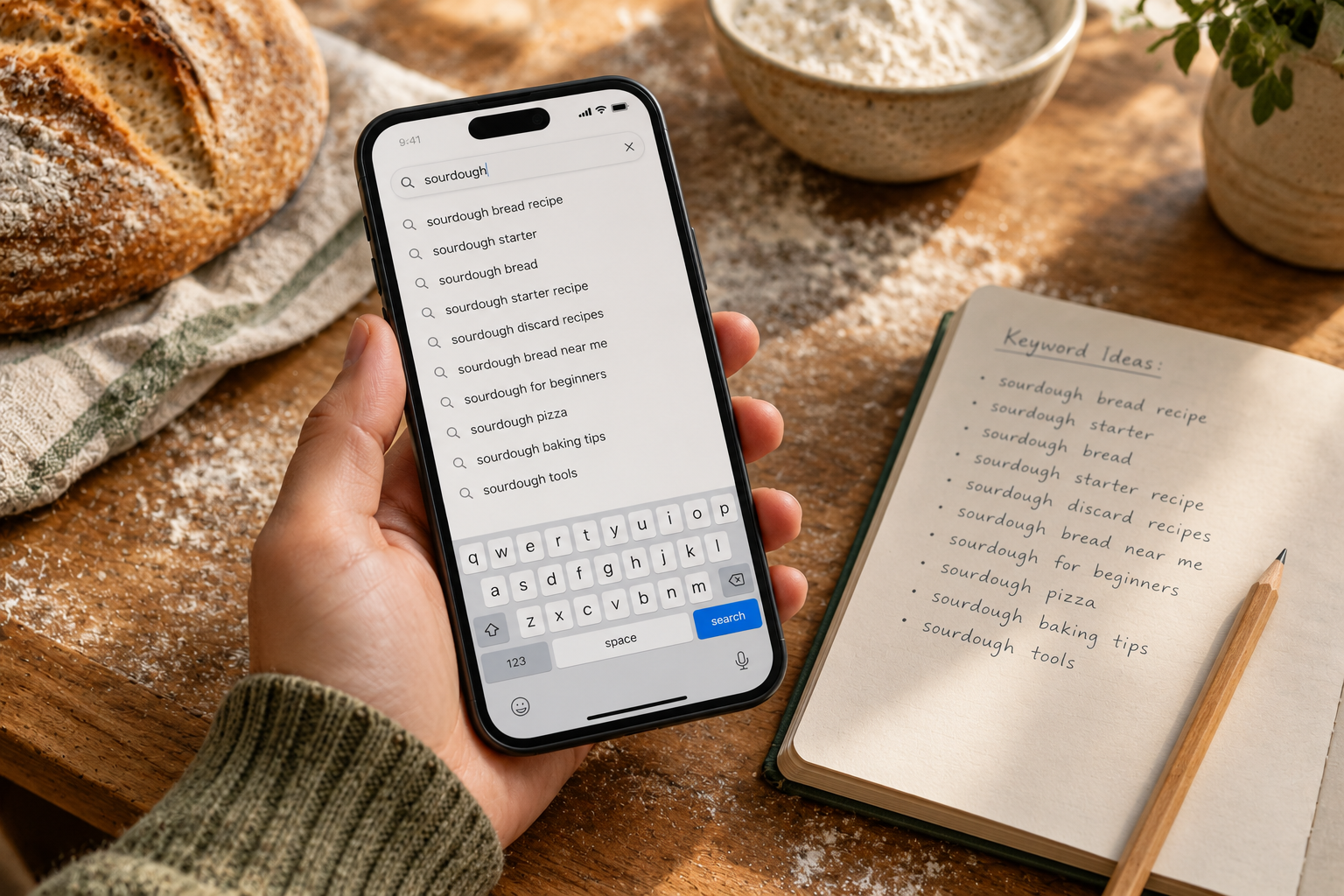
Type a seed term into the search bar and write down every suggestion. Then tap through the Accounts, Reels, Tags and Places tabs to see which ones return real results. For our bakery example, “sourdough” might suggest “sourdough starter,” “sourdough bread recipe” and “sourdough New York.”
One limitation: Instagram doesn’t publish search volume. Autocomplete tells you what’s common, not how common.
Cross-check on Google, because posts can rank there too
Run the same phrases through Google’s People Also Ask boxes and Google Keyword Planner to get volume estimates. The best keywords work on both surfaces. “How to feed a sourdough starter” is a good one, because it’s a real question on both platforms. (internal link: keyword research basics)
One primary keyword per post
Here’s a small keyword map for the bakery account:
| Keyword | Format | Caption first line |
|---|---|---|
| sourdough starter tips | Carousel | Sourdough starter tips I wish I’d known in week one |
| how to feed sourdough starter | Reel | How to feed a sourdough starter (the 1:1:1 method) |
| sourdough class NY | Single image | Sourdough classes in NY, next batch on Saturday |
| sourdough bread recipe beginner | Carousel | A beginner sourdough bread recipe with no stand mixer |
| why is my sourdough flat | Reel | Why is my sourdough flat? Three fixes |
Each post gets one target keyword. Don’t spread one post across five keywords. If you plan posts in batches, a simple system for organizing your social media content makes the map much easier to stick to.
Optimize the profile Instagram matches searches against
Search results are matched by text, so your handle and profile name do a lot of work. Instagram’s guidance is to make them relate to what you post. It also recommends putting keywords about who you are in your bio, and adding your location if you’re a local business. (internal link: Instagram bio ideas) (internal link: local SEO)
Here’s what that looks like in practice:
- Before: Annie Bakes
- After: Annie | Sourdough Classes NY
The “before” version only matches someone who already knows her name. The “after” version matches three things people actually search for. After you change it, track profile visits in your 30-day test to see whether it made a difference.
Write captions, on-screen text and alt text for search
Put the keyword in the first line of the caption
The first line is what shows before “more.” It’s also what a Google snippet will most likely show. Here’s a rewrite:
- Weak: “Saturday mornings hit different 🍞✨”
- Strong: “Sourdough starter tips for beginners: feed it at the same time every day.”
The second version tells both people and search engines what the post is about in about ten words.
Keywords go in the caption, not the first comment
Instagram says this directly in its search explainer: put keywords and hashtags in the caption. That ends the old habit of hiding hashtags in the first comment.
Say and show the keyword in Reels
Say your keyword out loud in the first few seconds and put it on screen as text. Instagram hasn’t officially confirmed that it uses audio transcripts for search. So treat this as a low-cost hedge. It costs you nothing, and on-screen text helps viewers who watch with the sound off. Adding auto-captions with AI is the quickest way to get your spoken keyword on screen without typing every line.
Do the same with your cover. Put the keyword in the text on your Reel cover, so the topic is clear on your profile grid before anyone taps the Reel.
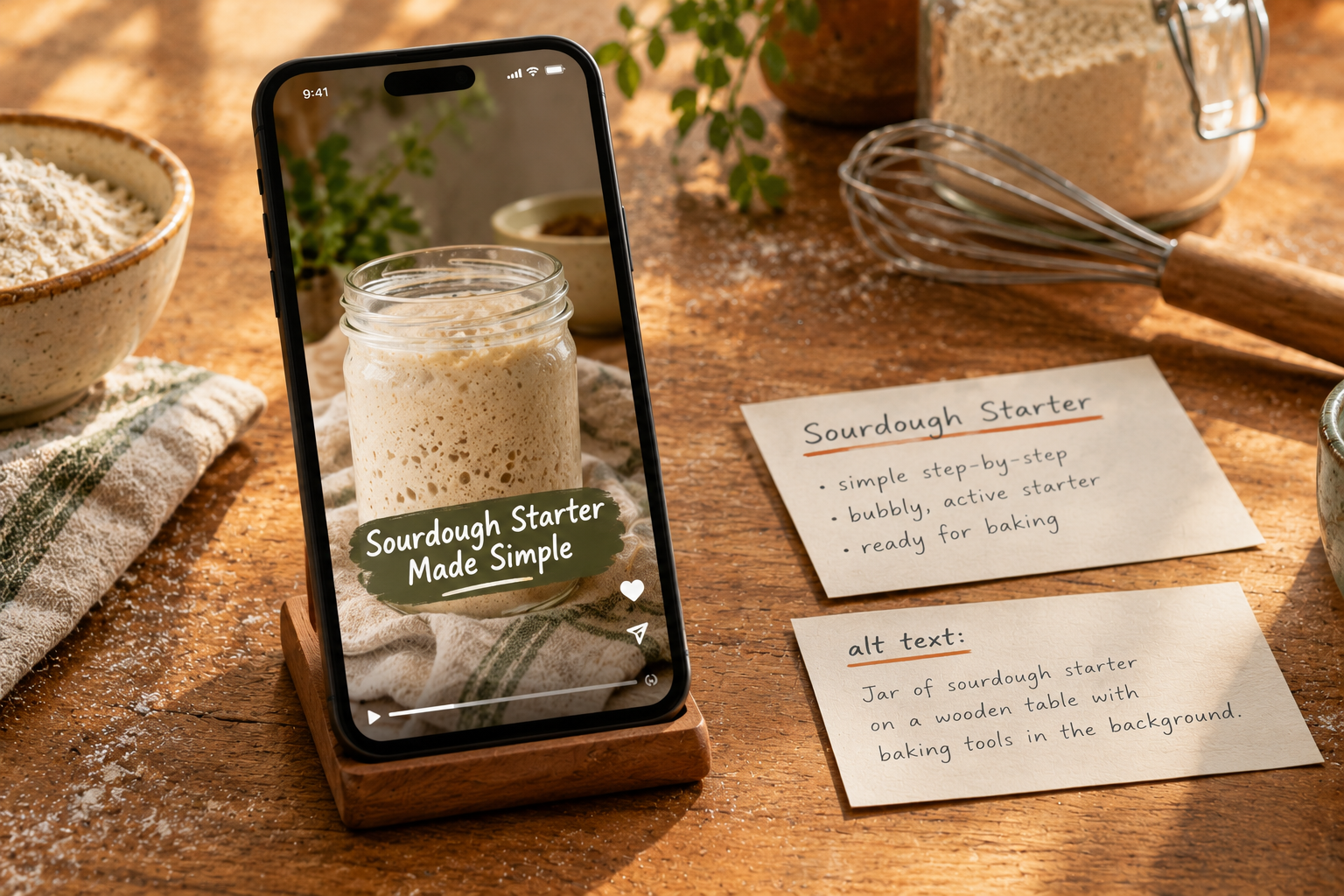
Write custom alt text
Describe the image plainly, and include the keyword if it fits naturally. For example: “Bubbly sourdough starter in a glass jar, doubled in size after feeding.” Reporting on the indexing change urged creators to pay more attention to captions, alt text and hashtags, since those now matter for search ranking. Good alt text also helps screen-reader users. (internal link: writing alt text)
Hashtags under the five-tag limit
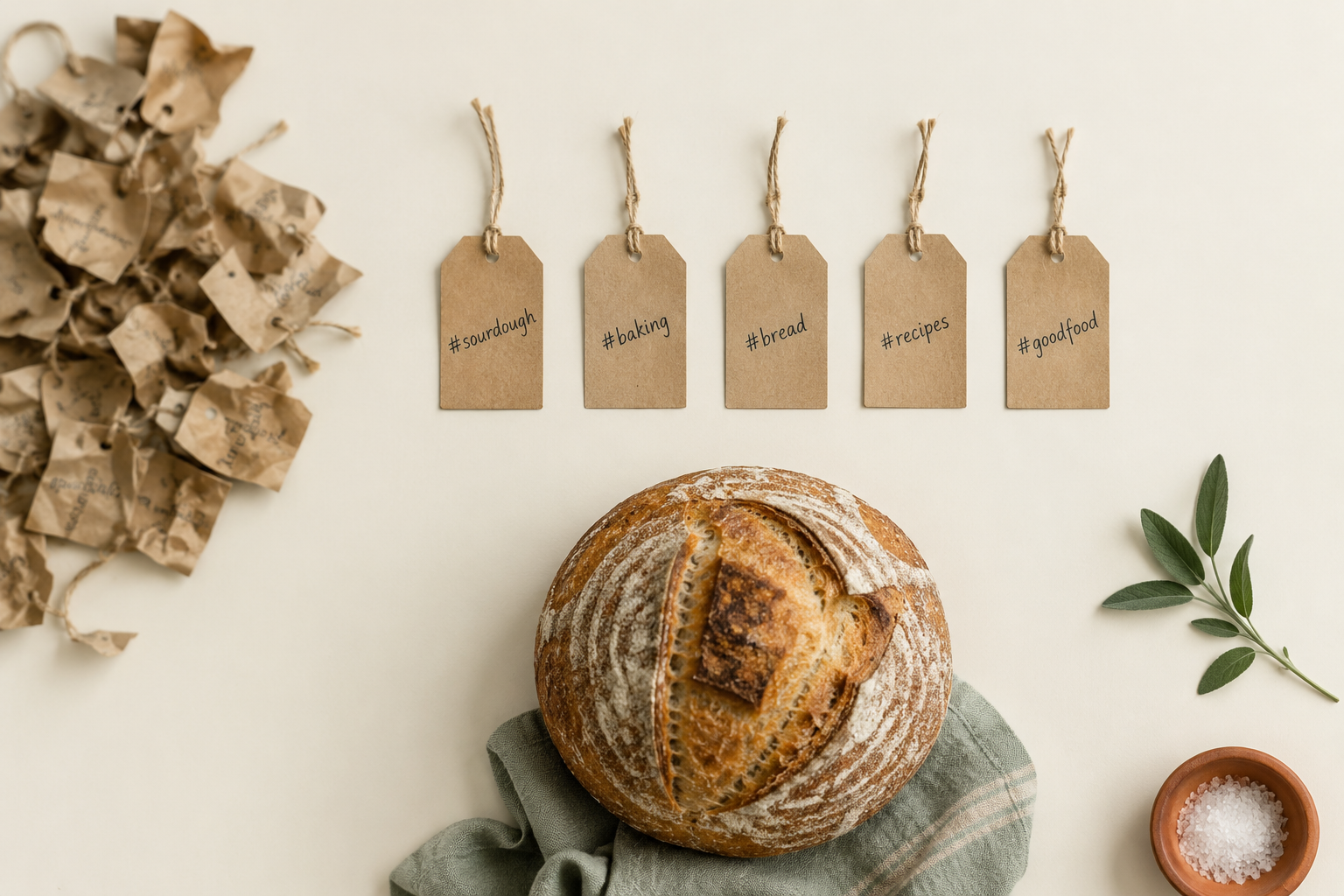
Instagram now caps hashtags at five per post or Reel. It says “fewer (up to 5) more targeted hashtags” work better than many generic ones. Mosseri has also said more than once that hashtags don’t boost reach the way they used to.
So treat hashtags as labels. A good set for the starter-tips carousel:
- #sourdoughstarter (the exact topic)
- #sourdoughforbeginners (the audience)
- #sourdoughbaking (the wider category)
- #newyorkbakers (the local community)
- #homebaking (the adjacent interest)
Each tag describes the post. None of them are there for volume. Skip the “tiered hashtag system” that some guides still teach. It was built for a 30-tag world that no longer exists.
Run a 30-day Instagram SEO test
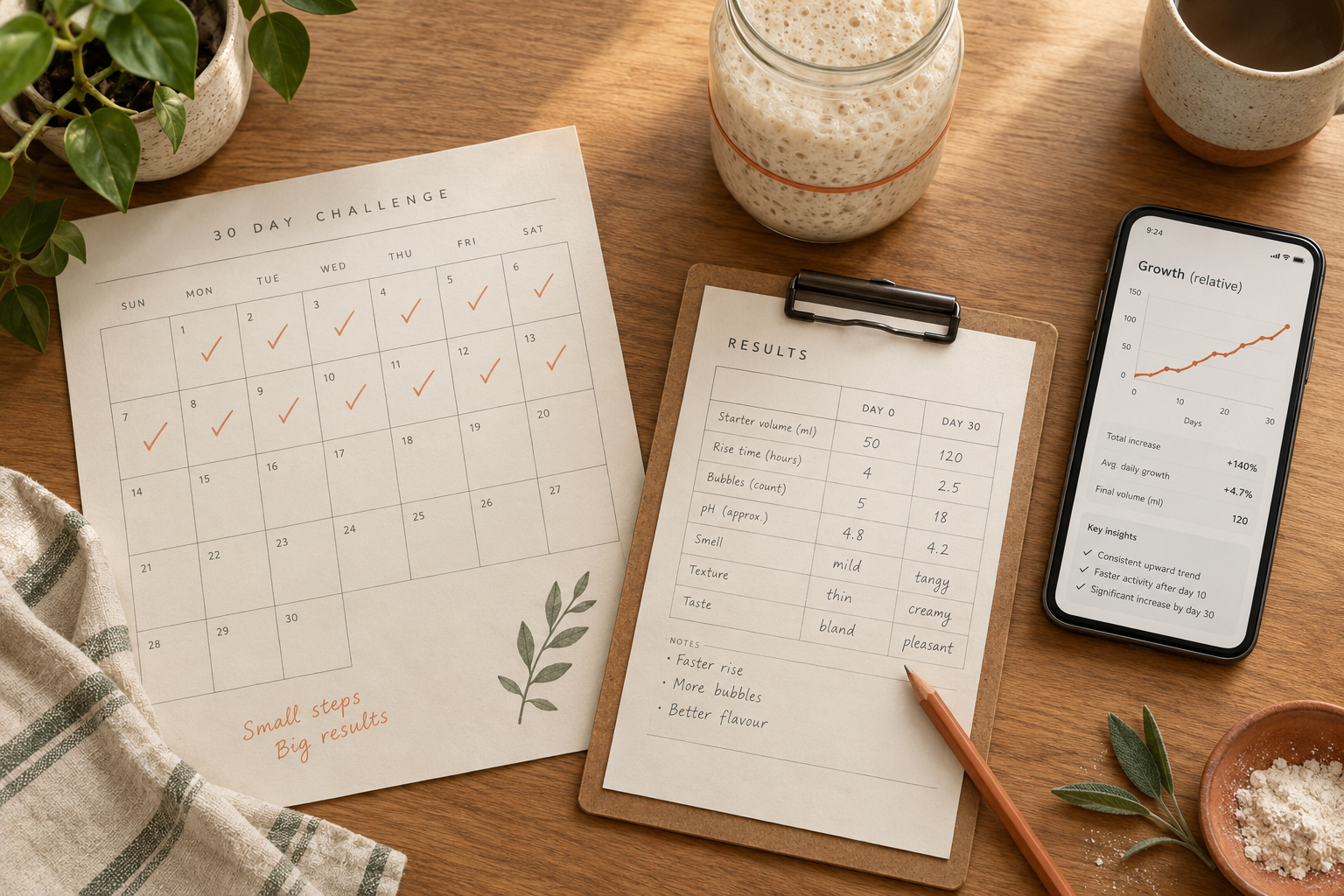
This is the part most guides skip. Don’t just trust the advice above. Test it on your own account.
- Record a baseline. Note profile visits, follows, your top Search Console queries, and your site: results. Screenshot everything and date it.
- Build a 10-keyword map like the bakery table above.
- Rewrite your name field and bio once. Then leave them alone for the whole test. If you keep changing them, you won’t know which change caused what.
- Publish 12 posts. Each one targets one keyword in three places: the caption’s first line, the on-screen text and the alt text.
- Use no more than five specific hashtags per post.
- Check Instagram Insights weekly. Note which posts brought in profile visits from people who don’t follow you. If you’re new to the dashboard, start with these guides to reading Instagram Insights.
- Compare against your baseline at day 30. Be honest about what didn’t move.
Mistakes that quietly cap your search reach

- Stuffing the name field. Instagram says accounts that look spammy can be pushed lower in search. “Annie | Sourdough Classes NY” works. A name field with eight keywords looks like spam.
- Expecting Google visibility from a personal or private account. These accounts aren’t eligible, no matter how good the content is.
- Hiding keywords in comments. Instagram says to put them in the caption.
- Using generic tags like #explore. These describe nothing, so they don’t help anyone find you.
- Reposting watermarked or recycled clips. If a searcher has already seen the clip somewhere else, it gives them nothing new.
Where to start this week
Fix your name field and bio today. It takes ten minutes, and it’s the change that matters most for search. Publish your first keyword-led post this week. Then connect Instagram to Search Console so you can see your Google traffic from day one.
Search-led posts also last longer than trend-chasing ones. A trending Reel gets attention for a few days. A clear answer to “how to feed a sourdough starter” keeps getting found for as long as people keep asking that question.