
You found a Reel you want to save. You tap the three-dot menu. No download option. Or worse, you try a tool and it fails silently with no explanation. It happens constantly, and the reasons behind it are more layered than most people realize.
Instagram's download system is not broken. It's intentionally gated by a combination of creator settings, copyright enforcement, privacy rules, and regional licensing. Understanding which wall you're hitting makes it possible to get around it, or at least know when you genuinely can't.
This article breaks down every reason Instagram Reels are not downloadable, and what your actual options are in each case.
The Creator Turned Off Downloads
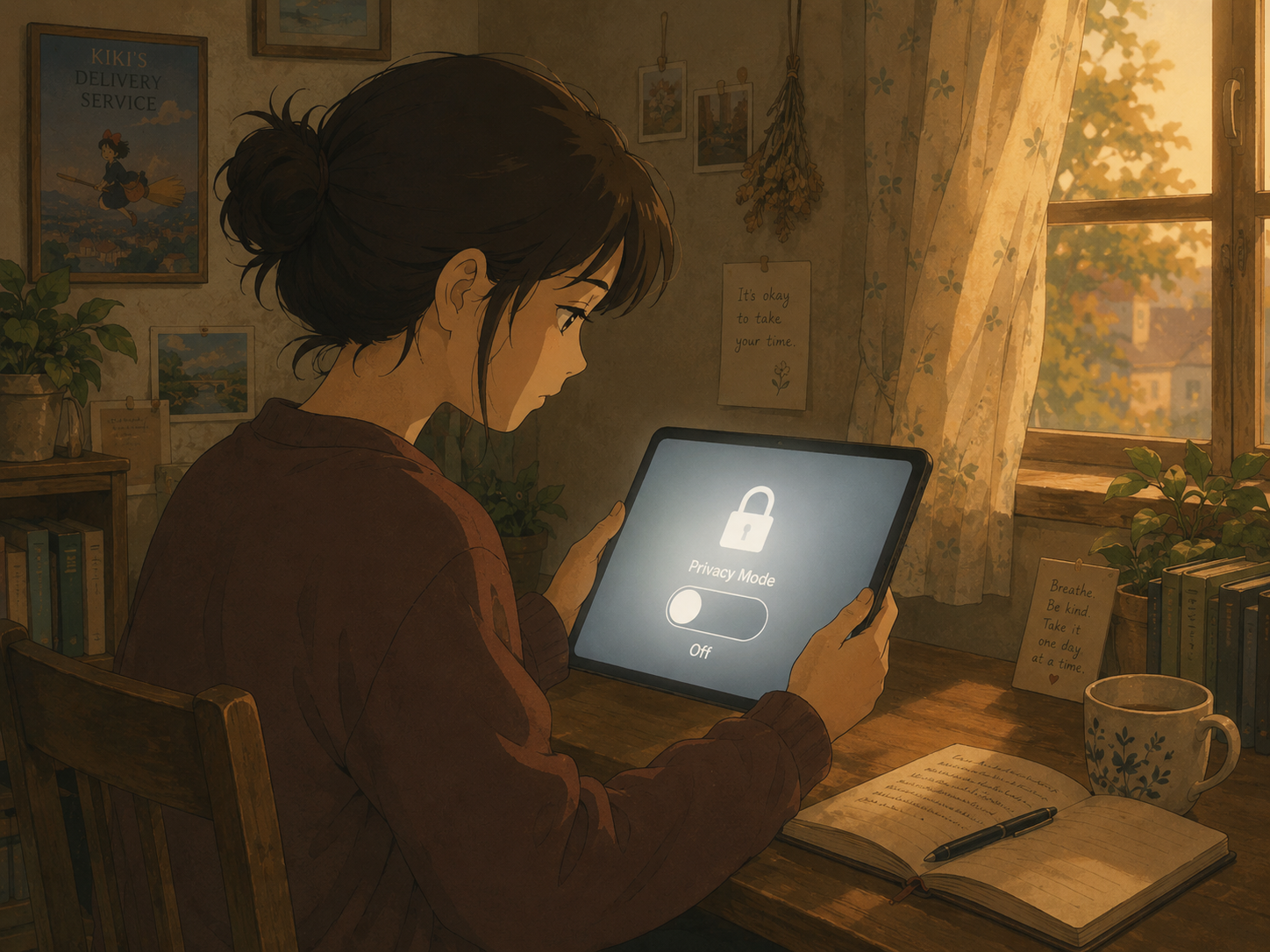
This is the most common reason. Every Instagram account holder has a toggle in their settings that controls whether others can save their Reels. According to Band of Coders, creators can disable this by going to Settings > Privacy > Reels and Remix and switching off "Allow people to download your Reels."
When that toggle is off, the native download button disappears entirely. Your Social Team confirms that not all videos will be downloadable, and privately posted content cannot be saved or downloaded at all through Instagram's built-in feature.
This is a deliberate choice, not a bug. Creators protecting unreleased content, proprietary tutorials, or brand-sensitive work often disable downloads across their entire account. There is no way to override this setting from the viewer's side through Instagram itself.
What you can do: If the Reel is public and you have the URL, a third-party downloader can still access the video file directly from Instagram's servers. The creator's download toggle controls the in-app button, not the underlying file's accessibility. GramFetchr's Instagram Reels Downloader works by fetching the public video file from the URL, bypassing the in-app restriction entirely.
The Account Is Private
Private accounts are a hard wall. DownloadMedia notes that most web-based tools can only work with public posts. If a Reel comes from a private account, or was shared inside a private group or channel, no external downloader can access it.
SocialDownload.app confirms this directly: when a profile is set to Private, Instagram's servers block third-party tools from retrieving those video files.
This applies even if you follow the account. The restriction is at the API and server level, not just the interface level.
What you can do: You have two options. First, Instagram's native Save feature (bookmarking to your Saved folder) works regardless of account privacy, since you're already authenticated. Second, screen recording captures anything you can see on screen, though the quality degrades and any on-screen UI will appear in the recording. For private content you own, go to your own profile, tap the Reel, tap the three-dot menu, and select "Save to camera roll" as MultCloud describes.
Music Licensing Is Blocking the Download
This one catches people off guard. A Reel plays fine in the app, audio and all, but the downloaded file comes through silent or fails to download entirely.
Band of Coders explains the mechanism: if a Reel uses a licensed audio track from Instagram's music library, the downloaded version will have the audio stripped. Only Reels with original audio retain sound in the downloaded file.
Instagram itself confirms this: downloading a Reel will not save any music added from the Instagram music library. This is a licensing constraint baked directly into how Instagram serves those files.
It goes deeper in 2026. Last Play Distro reported in January 2026 that Instagram has upgraded its audio fingerprinting and AI detection system. Even short background sounds and AI-generated audio are now being scanned. Business accounts in particular face strict limits on using popular music, and the enforcement system flags content at the file level.
What you can do: If you need the video with its original licensed audio, there is no fully clean workaround. Screen recording captures whatever your device plays, including the audio, though it records at screen resolution rather than original quality. If you only need the video without sound, GramFetchr will download the video file as Instagram serves it. For your own Reels that use original audio, the download will include the sound.
Regional and Geographic Restrictions

Some Reels are available in one country but blocked in another. DownloadMedia gives a concrete example: a Reel can play for a user in the US but not appear at all for their contact in Germany, simply due to regional availability settings.
Music rights are a major driver of this. ProTunes One noted in November 2025 that some music rights are flagged per territory, meaning a Reel might play in the US but get muted or blocked in Canada, Latin America, or Europe depending on the licensing agreements in place.
Age-gated content adds another layer. DownloadMedia notes some Reels require viewers to meet a minimum age threshold, creating yet another access restriction that has nothing to do with the creator's download settings.
What you can do: A VPN routed through a supported region can sometimes resolve geographic blocks when using a web-based downloader, since the request originates from a different IP location. This is not guaranteed, and it does not help with age restrictions.
The Reel Has Been Deleted, Archived, or Modified
If the creator deleted or archived the Reel after you saw it, the video file no longer exists at that URL. DownloadMedia confirms this: once a creator deletes or archives their Reel, no downloader can retrieve the original video because there is nothing left to fetch.
The same issue applies if the audio track was subsequently removed or muted for copyright reasons after the Reel was posted. Some tools fail entirely when the file they locate has been modified server-side.
TechWiser flagged in February 2026 that Reel downloads can also fail for non-platform reasons: a slow or inconsistent internet connection, a phone running low on storage, or a caching issue in the browser can all cause a download to fail even when the content is technically accessible.
What you can do: Verify the Reel still exists at the URL before assuming the tool is broken. If it plays in the app or browser, the file is accessible. If you're getting consistent failures with a content that clearly exists, try clearing your browser cache, switching to a different browser, or testing on another device.
How to Actually Download a Reel That Won't Save Natively
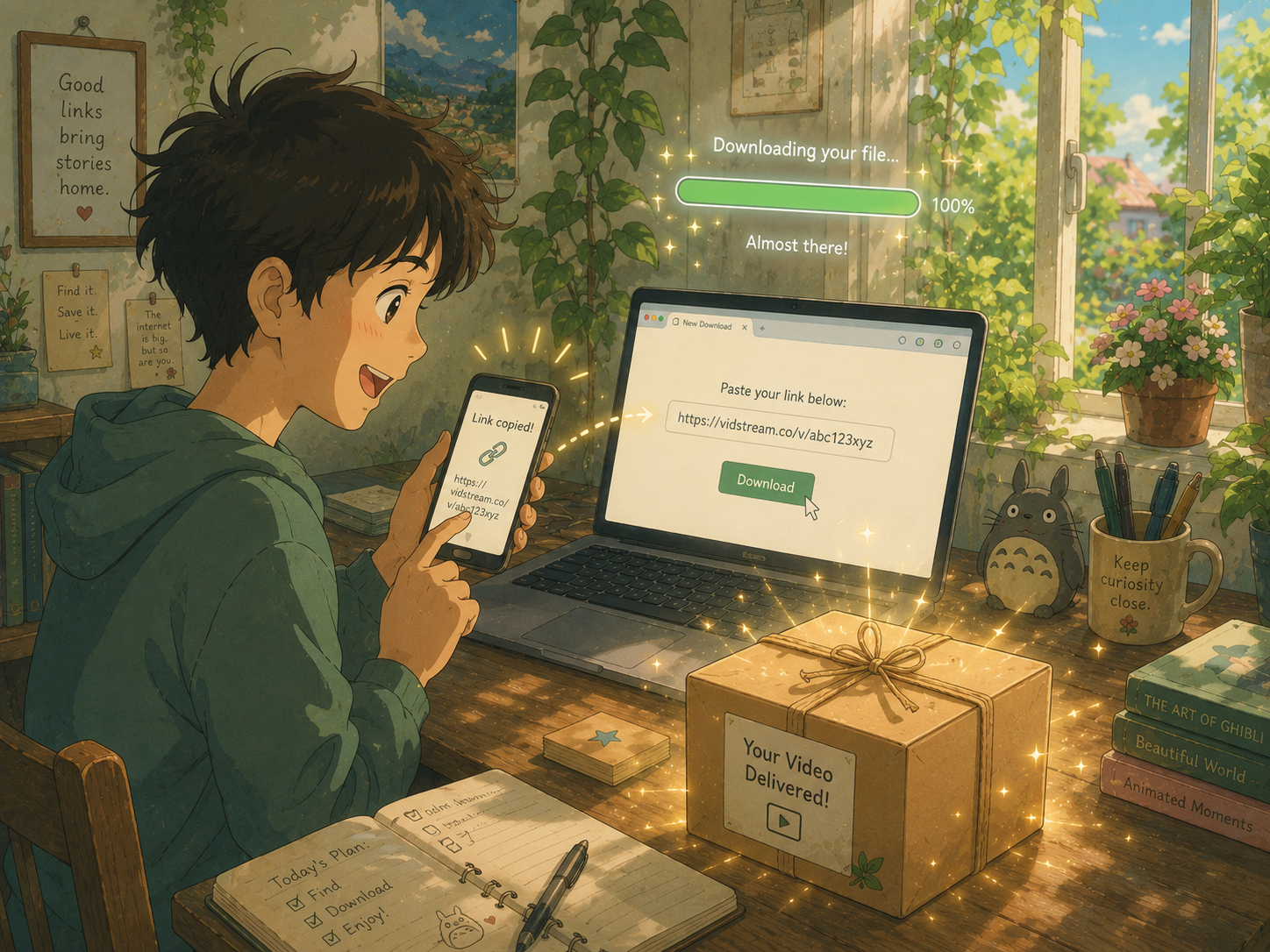
When the in-app download button is missing or greyed out, the practical workflow is:
- Copy the Reel's URL from the Instagram app (tap the three-dot menu > "Copy link") or from the browser address bar.
- Open GramFetchr's Reels Downloader in your browser.
- Paste the URL into the input field and click Download.
- The video file will load within seconds. Confirm it's the right content, then save it to your device.
No login. No watermark. No app to install. GramFetchr pulls the video file directly from Instagram's public servers, which means it works even when the creator has turned off the native in-app download option. It does not work for private accounts, and any audio stripped by Instagram at the server level will remain absent in the download.
Outfy's 2026 guide confirms this approach: copying the link and running it through a third-party downloader is the most reliable method when no in-app option exists, and it preserves far better quality than screen recording.
What About Downloading Your Own Reels?
This is where creators sometimes hit unexpected friction. If you posted a Reel with a popular licensed song and then want to repurpose it on YouTube or TikTok, the downloaded file will likely have no audio. Instagram strips the music at the file level, not just for other users but for the creator downloading their own content.
For repurposing your own content across platforms, the cleanest approach is to keep the original video file before posting it to Instagram. If you no longer have the source file, download your Reel through GramFetchr or Instagram's native download option, then re-add the audio in a video editor using a licensed or royalty-free track appropriate for the destination platform.
If you're building a content workflow around this, the GramFetchr blog covers repurposing Instagram Reels for YouTube Shorts and TikTok in detail.
A Note on Native Instagram Downloads
Instagram rolled out native Reel downloading globally following a US launch in June 2023, according to SamMobile. Before that, third-party tools were the only option for everyone.
The native feature improved things for basic use cases. But it still has gaps: it depends on the creator's settings, it strips licensed music, and it offers no options for batch downloading or downloading across devices. Third-party tools fill those gaps, provided the content is public.
The Bottom Line
Instagram Reels are not downloadable for one of six reasons: the creator disabled it, the account is private, the music is licensed, the content is geo-restricted, the file no longer exists, or something on your device or connection is failing. Each has a different ceiling on what's fixable.
For the most common scenario, a public Reel where the creator simply turned off the in-app button, a tool like GramFetchr resolves it in seconds. Paste the URL, download the file, done. For the others, the table above maps out what's genuinely possible and what isn't.
Save the content you need. Know the limits. Don't waste time on workarounds that were never going to work.