
Introduction: The Power of Instagram Reels for Advertising
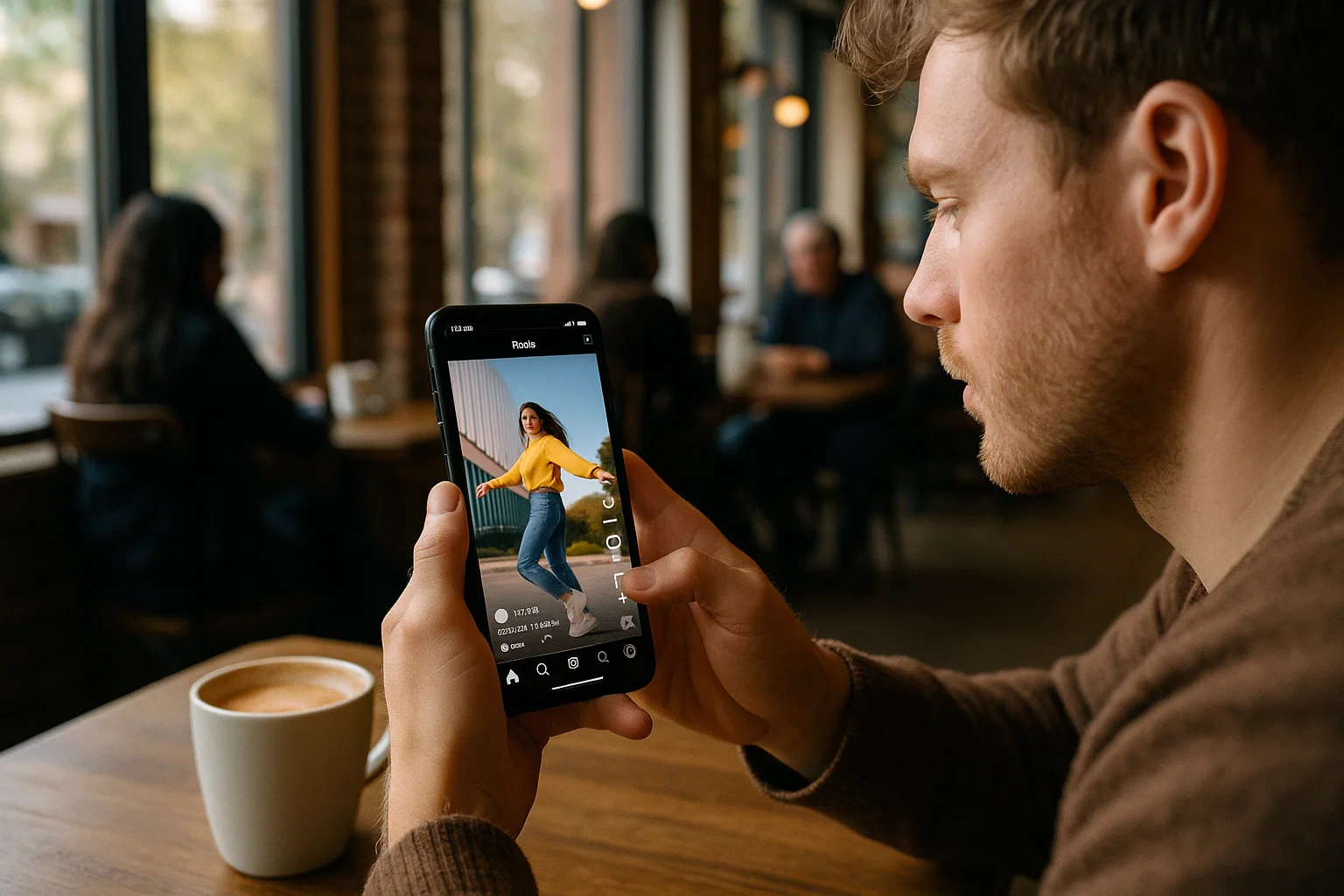
Are you struggling to create Instagram ads that stop the scroll and drive conversions? You're not alone. In today's crowded digital landscape, brands face an uphill battle capturing audience attention and turning views into sales.
With Instagram Reels now accounting for over 30% of time spent on the platform, these short-form videos have become the most engaging content format available to marketers. The problem? Creating professional-quality Reels consistently requires significant resources, creative energy, and production capabilities that many businesses simply don't have.
The solution lies in leveraging existing high-performing Reels content—whether your own or properly licensed content—and transforming it into powerful ads that drive results. This comprehensive guide will show you exactly how to do that.
Why Use Downloaded Reels for Your Ad Campaigns?
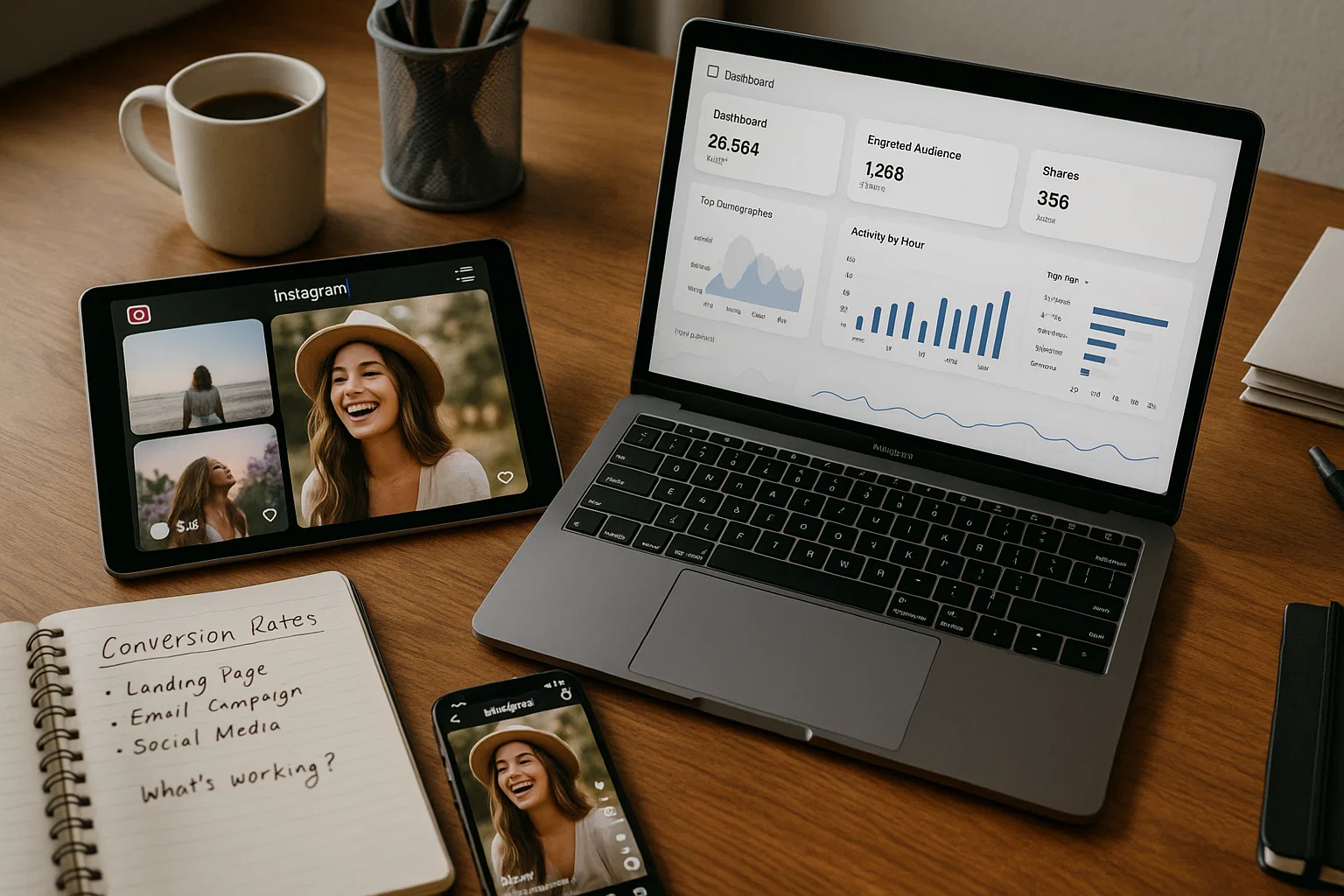
Converting downloaded Instagram Reels into ads offers multiple strategic advantages that can elevate your marketing efforts:
- Authentic Engagement: Reels already proven to perform well organically often maintain their engagement when converted to ads
- Resource Efficiency: Repurposing existing content saves time, budget, and creative resources
- Format Optimization: Reels are already optimized for Instagram's preferred vertical format and short duration
- Trend Leverage: By using successful Reels formats, you're tapping into content styles already resonating with audiences
- Consistent Content Pipeline: Building a library of downloaded Reels provides ready-made content for future campaigns
According to recent data from Instagram, ads using Reels format see a 30% higher conversion rate compared to traditional single-image ads. This makes Reels one of the most effective formats for driving both engagement and conversions in 2025.
Step 1: How to Download Instagram Reels Properly
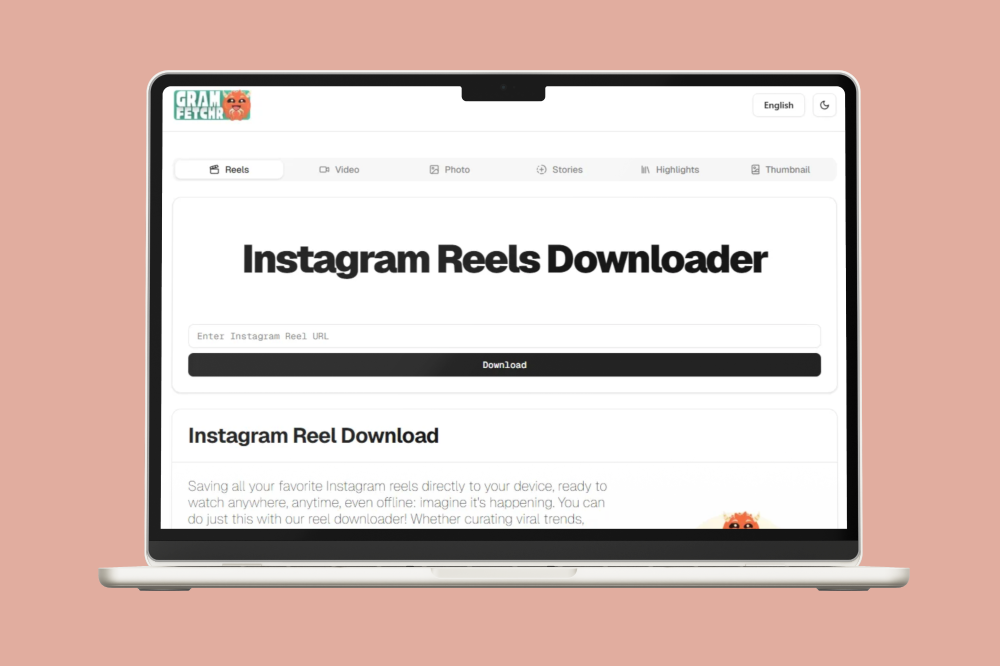
Before you can transform Reels into ads, you need to download them in high quality. Using the right tools ensures you maintain the video's original resolution and audio quality.
Using GramFetchr for High-Quality Reel Downloads:
GramFetchr is a powerful tool that allows you to download Instagram Reels in their original quality without watermarks. Here's how to use it:
- Find the Reel you want to download on Instagram
- Copy the link by tapping the share button and selecting "Copy Link"
- Visit GramFetchr's Reels Downloader
- Paste the copied link into the URL input box
- Click the Download button and wait for the preview to generate
- Download the Reel to your device in its original quality
GramFetchr offers several advantages over other downloading methods:
- Watermark-free downloads that preserve the original content quality
- Fast and anonymous downloading without requiring login credentials
- High-resolution downloads matching the original upload quality
- Multi-device compatibility for seamless workflow between devices
For bulk downloading needs, you might want to check out GramFetchr's video downloader which offers similar functionality for various Instagram video types.
Step 2: Evaluating Reels for Ad Potential

Not all Reels will make effective advertisements. Before investing time in editing, assess each Reel's potential as an ad creative:
Key Evaluation Criteria:
- Engagement Metrics: If the Reel performed well organically, it likely contains elements that resonate with audiences
- Visual Quality: High-resolution, well-lit footage with clear subjects
- Narrative Structure: A clear beginning, middle, and end that tells a cohesive story
- Brand Alignment: Content that matches your brand voice, aesthetics, and values
- Call-to-Action Potential: Space to add a compelling CTA without disrupting the flow
- Duration Efficiency: The most important message should be delivered in the first 3 seconds
Pro Tip: Create an evaluation scorecard with these criteria, rating each downloaded Reel from 1-5. Prioritize editing Reels that score 20 or higher out of a possible 30 points.
Step 3: Editing Downloaded Reels for Ad Campaigns
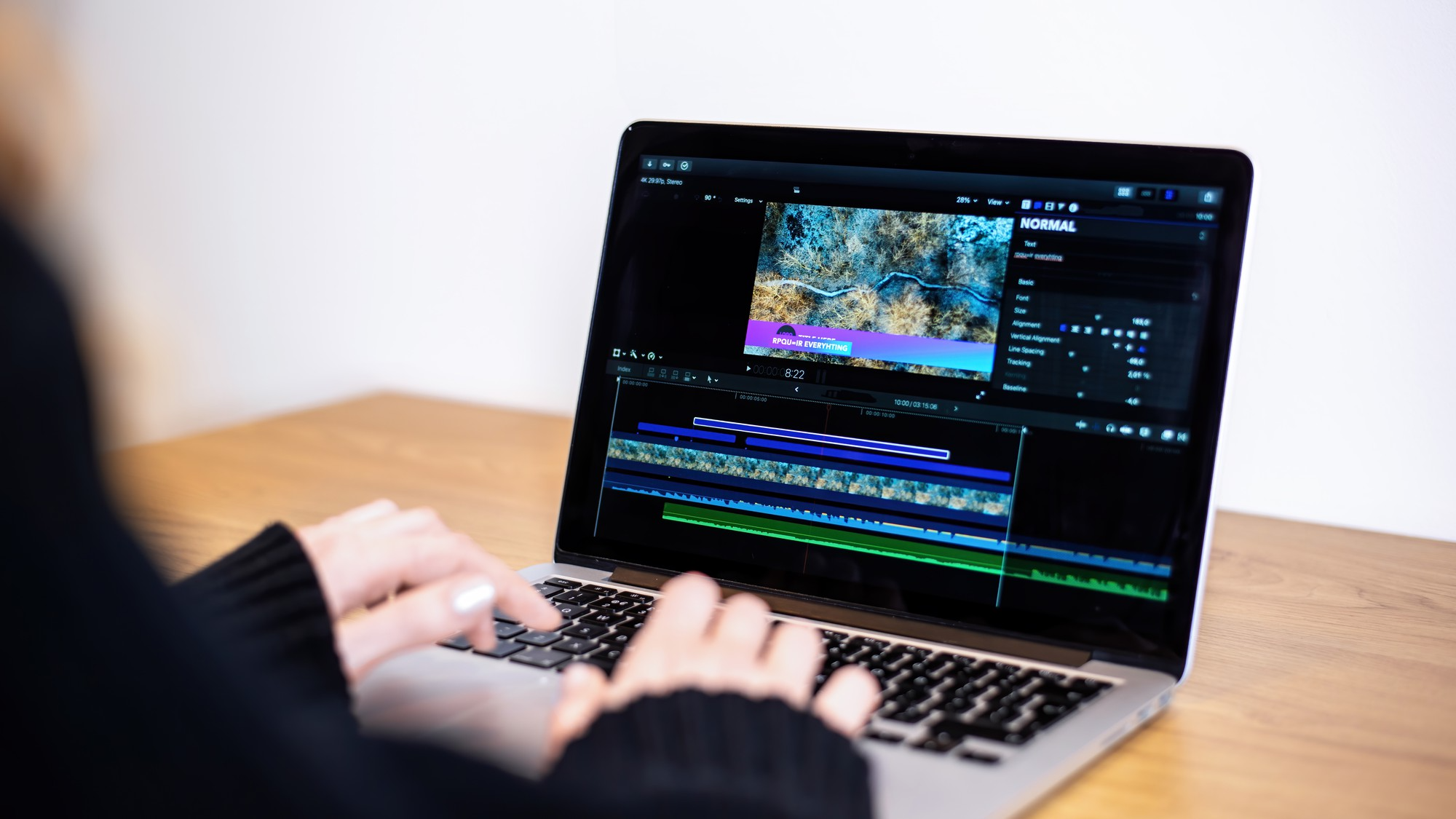
Once you've downloaded high-quality Reels and identified the ones with the greatest potential, it's time to transform them into effective ads.
Essential Editing Requirements:
- Trim for Impact: Cut to 15 seconds or less, focusing on the most compelling segments
- Front-Load Key Messages: Place your product, brand, or value proposition in the first 3 seconds
- Enhance Visual Appeal: Adjust brightness, contrast, and saturation for optimal viewing
- Sound Optimization: Ensure audio is clear and engaging, or consider replacing it entirely
- Add Captions: Make your ad accessible with accurate captions for viewers watching without sound
Recommended Editing Software:
- Mobile Editing: CapCut, InShot, or Adobe Premiere Rush
- Desktop Editing: Adobe Premiere Pro, Final Cut Pro X, or DaVinci Resolve
Editing Walkthrough for Maximum Impact:
- Import your downloaded Reel into your editing software
- Trim the beginning and end to remove any unnecessary content
- Apply basic color correction to enhance visual appeal
- Adjust audio levels and clarity, or replace with licensed music if needed
- Add text overlays highlighting key messages
- Insert your branding elements (covered in the next section)
- Export in 1080x1920 resolution (9:16 aspect ratio) for optimal Instagram display
For more detailed guidance on optimal Instagram video formats, check out GramFetchr's blog on downloading Instagram videos in 4K.
Step 4: Adding Branding Elements to Your Reels

To transform a downloaded Reel into an effective branded advertisement, you'll need to incorporate key branding elements:
Essential Branding Components:
- Logo Placement: Add your logo in a corner position that doesn't obstruct key content
- Brand Colors: Apply color overlays or borders that align with your brand palette
- Typography: Use consistent fonts that match your brand identity
- End Card: Create a strong closing frame with your logo, tagline, and call-to-action
- Branded Hashtag: Include your branded hashtag as text overlay
Balancing Branding and Content:
The key to effective Reel ads is maintaining the engaging qualities of the original content while clearly communicating your brand identity. Aim for the 80/20 rule: 80% valuable/entertaining content, 20% explicit branding.
Creating Templates for Consistency:
Develop reusable templates with your branding elements pre-positioned for:
- Intro frames (3 seconds)
- Lower-third text overlays
- End cards (2-3 seconds)
This approach streamlines your workflow and ensures brand consistency across multiple ad creatives.
Step 5: Setting Up Your Instagram Ad Campaign

Once your Reels are downloaded, edited, and branded, it's time to set up your ad campaign:
Campaign Setup Checklist:
- Access Meta Ads Manager and create a new campaign
- Select your campaign objective (Awareness, Consideration, or Conversion)
- Define your target audience based on demographics, interests, and behaviors
- Set your budget and schedule for optimal reach and frequency
- Choose "Instagram Reels" as your placement
- Upload your edited Reel (ensure it meets all technical specifications)
- Write compelling ad copy for the text that appears above your Reel
- Add your destination URL where viewers will land after clicking
- Review and launch your campaign
Ad Objective Recommendations for Reel Ads:
- Brand Awareness: Use for introducing new products or reaching new audiences
- Video Views: Ideal for building initial engagement with your content
- Conversions: Best for direct response campaigns with strong CTAs
- App Installs: Effective when demonstrating app functionality or benefits
Audience Targeting Strategy:
For maximum effectiveness, create separate ad sets targeting:
- Cold audiences based on interests and behaviors
- Warm audiences who have engaged with your profile
- Custom audiences from your email list or website visitors
Step 6: Optimizing Reel Ads for Maximum Performance
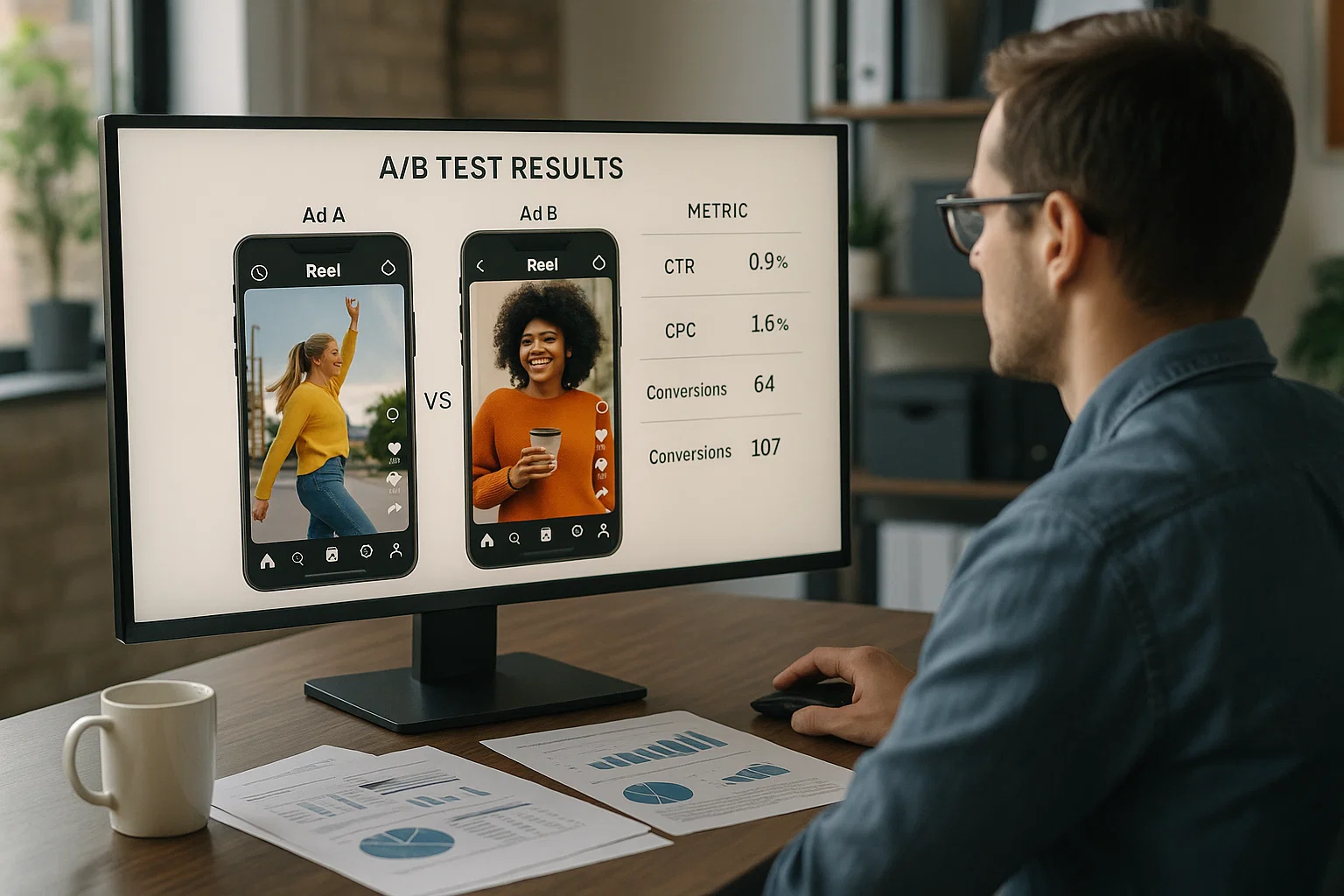
Optimizing your Reel ads ensures they deliver the strongest possible return on investment:
Key Optimization Strategies:
- A/B Test Multiple Variations: Create 3-5 versions of your ad with different openings, CTAs, or music
- Test Variable Durations: Compare performance of 7-second, 15-second, and 30-second versions
- Optimize for Sound-Off Viewing: Since 60% of Reels are watched without sound, ensure your message comes across visually
- Front-Load Branding: Place your product or brand within the first 3 seconds
- Experiment with CTAs: Test different call-to-action messages and placements
- Leverage Interactive Elements: Use polls, quizzes, or countdown stickers when available for ads
Hook Optimization Techniques:
The first 1-2 seconds of your Reel ad are critical. Test these proven hook strategies:
- Ask a compelling question
- Share a surprising statistic
- Demonstrate a before/after transformation
- Show your product solving a common problem
For more creative ideas on Reel optimization, check out GramFetchr's guide on downloading and customizing Instagram Reel thumbnails.
Step 7: Measuring and Analyzing Your Reel Ad Performance
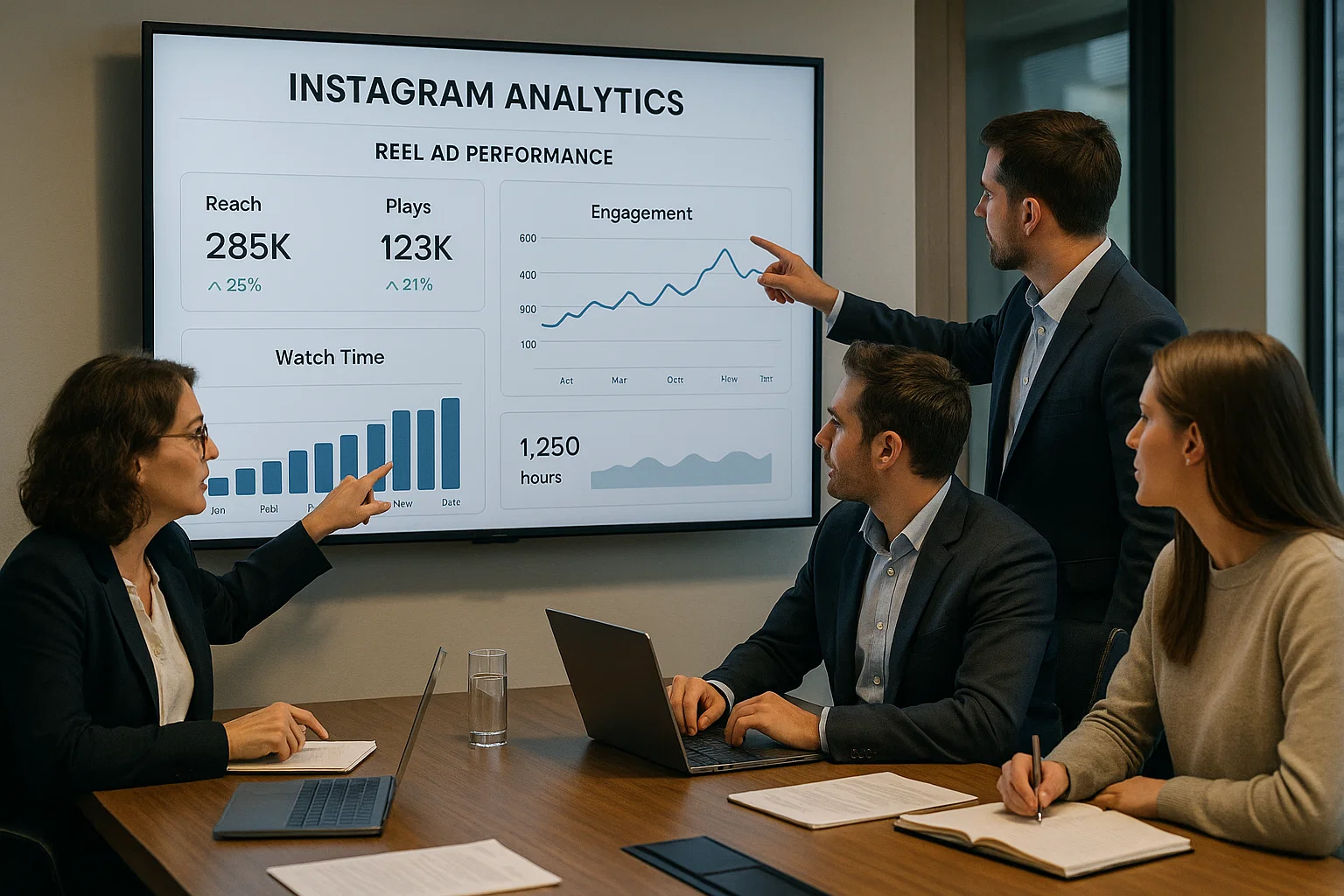
To maximize ROI, establish a robust measurement framework for your Reel ad campaigns:
Essential Metrics to Track:
- View-Through Rate: Percentage of people who watched your entire Reel
- Engagement Rate: Combined likes, comments, shares, and saves divided by impressions
- Click-Through Rate: Percentage of viewers who clicked your CTA
- Cost Per Result: Cost divided by your primary campaign objective achievement
- Return on Ad Spend: Revenue generated divided by ad spend
- Audience Retention: Where viewers drop off in your Reel
Performance Analysis Framework:
- Establish Baselines: Compare your Reel ad performance against your historical ad averages
- Competitive Benchmarking: Use industry standards to contextualize your results
- Content Pattern Analysis: Identify which content elements correlate with higher performance
- Optimization Timeline: Wait at least 3-5 days before making significant campaign changes
- Scaling Strategy: Increase budget for top-performing variations incrementally (15-20% at a time)
Recommended Analysis Schedule:
- Daily: Quick performance check
- Weekly: Detailed metric analysis and minor optimizations
- Monthly: Comprehensive review and major strategy adjustments
Legal Considerations When Using Downloaded Reels
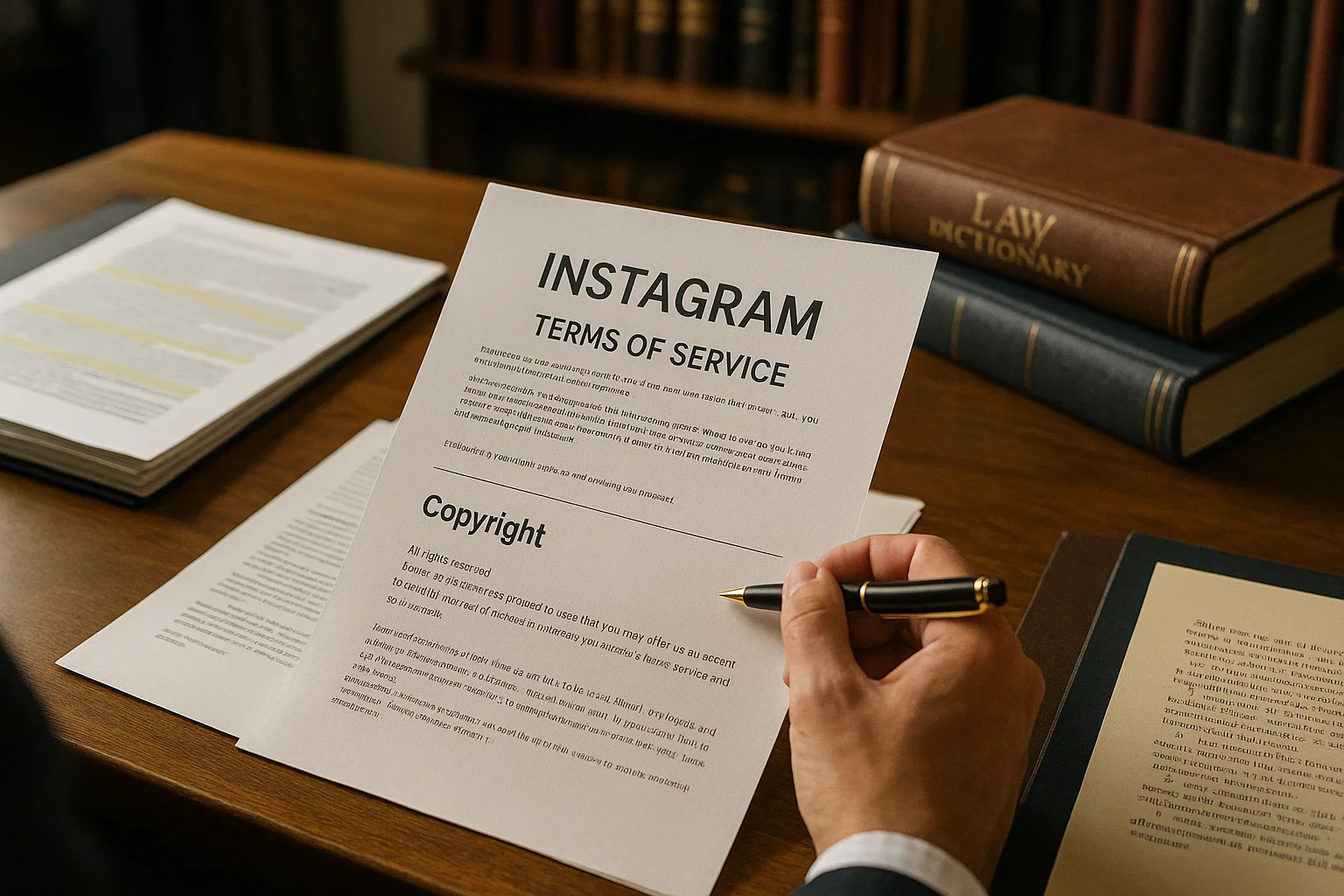
When using downloaded Reels for advertising purposes, understanding the legal landscape is crucial:
Key Legal Considerations:
- Copyright Ownership: Only use Reels you've created or have explicit permission to repurpose
- Licensing Requirements: Obtain proper licenses for any music, images, or other content
- Fair Use Limitations: Commercial advertising rarely qualifies as fair use
- User-Generated Content Rights: Establish clear terms when using UGC in your ads
- Platform Policies: Ensure compliance with Instagram's advertising policies
- Disclosure Requirements: Include proper disclosures for sponsored content
Best Practices for Legal Compliance:
- Document Permission: Keep records of all permissions and licenses
- Create Original Content: When possible, create your own Reels rather than repurposing others'
- Use Licensed Music: Access Meta's Sound Collection or other properly licensed music
- Review Platform Terms: Stay updated on Instagram's advertising policies
- Consult Legal Experts: When in doubt, seek professional legal advice
If you're using GramFetchr to download your own content for repurposing, make sure to review their terms and conditions to ensure compliance.
Conclusion
By following this comprehensive guide, you'll be able to transform downloaded Instagram Reels into powerful advertising assets that drive engagement and conversions. Remember that the key to success lies in maintaining the authentic, engaging qualities that make Reels effective while strategically incorporating your branding and call-to-action elements.
Ready to start downloading high-quality Instagram Reels for your next ad campaign? Visit GramFetchr.com today to access their suite of Instagram content downloaders and take your social media advertising to the next level.