
Introduction
Are you tired of screen recording Instagram Reels only to end up with pixelated videos and watermarks? You're not alone. With over 2 billion monthly active users on Instagram, Reels have become a dominant format for content creators and viewers alike. However, Instagram deliberately makes it challenging to download Reels in their original high quality—especially in stunning 4K resolution.
This comprehensive guide will show you exactly how to download Instagram Reels in 4K quality for free across all devices, preserving both visual clarity and audio quality without compromising your viewing experience.
Why Instagram Reels Quality Matters
Before diving into download methods, it's worth understanding why quality matters when saving Instagram Reels:
Visual Impact of High-Resolution Reels

When you download Instagram Reels in full 4K resolution (3840×2160 pixels), you're preserving up to 4 times the detail compared to standard HD (1080p). This difference becomes particularly noticeable when:
- Viewing content on larger screens like TVs or monitors
- Repurposing content for other platforms
- Analyzing visual details in tutorials or demonstrations
- Creating content archives for future reference
Many content creators now shoot in 4K to future-proof their work, making high-quality downloads essential for maintaining their intended visual impact.
Audio Quality Considerations
Visual quality isn't the only concern—audio quality matters tremendously for:
- Music-focused Reels
- Voice narrations and tutorials
- ASMR and sound-dependent content
- Professional repurposing
When downloading Reels using suboptimal methods, audio compression can result in tinny sound, lost bass frequencies, and overall degraded listening experience. The methods we'll explore preserve both video and audio quality when downloading Instagram Reels.
Official vs. Third-Party Methods
Instagram offers limited native downloading options, creating the need for third-party solutions:
Instagram's Built-in Limitations
Instagram deliberately restricts high-quality downloads to:
- Encourage in-app viewing
- Increase engagement metrics
- Protect creator content
- Maintain platform dependency
The platform does allow creators to download their own Reels, but this function is unavailable to viewers, and even creator downloads sometimes suffer quality reduction.
Third-Party Solutions: The Quality Advantage
Third-party tools like GramFetchr's Reels Downloader offer several advantages:
- Access to source-quality video (up to 4K)
- Uncompressed audio preservation
- No watermarks or overlays
- Batch downloading capabilities
- Cross-platform compatibility
Let's explore the most effective methods for downloading Instagram Reels in pristine 4K quality.
How to Download Instagram Reels in 4K Quality
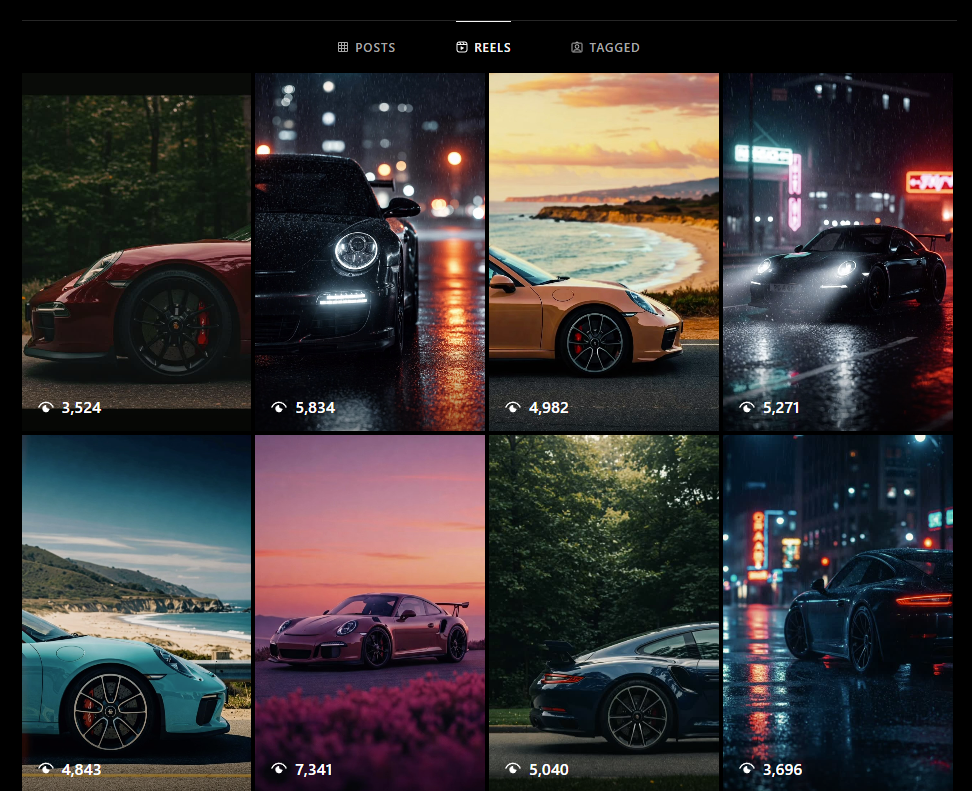
The secret to obtaining true 4K quality Reels lies in accessing Instagram's source files rather than re-compressed versions:
Understanding Instagram's Video Delivery System
- Instagram stores multiple versions of each Reel at different quality levels:
- Low-quality preview versions (for faster loading)
- Standard quality (default playback in most cases)
- High-quality versions (dynamically served based on connection)
- Source quality (the original uploaded file, up to 4K)
The key is accessing the source file directly, which requires either API access or specialized tools designed to locate these files.
Step-by-Step 4K Download Process
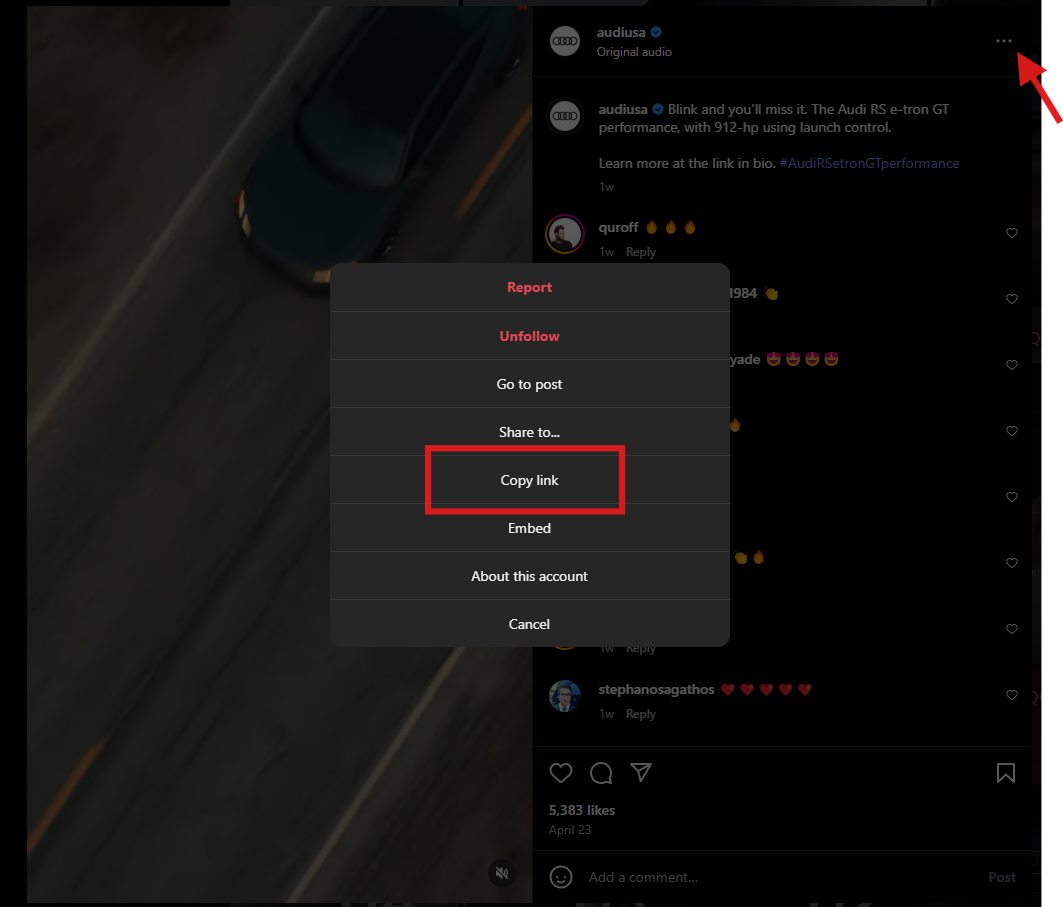
Follow these steps to download any Instagram Reel in its highest available quality:
Find the Reel you want to download
- Copy the URL by tapping the three dots (mobile) or right-clicking (desktop)
- For mobile, tap "Copy Link" from the share options
Use a specialized downloader optimized for 4K content
- Navigate to GramFetchr's Reels Downloader
- Paste your copied URL into the search field
- Click "Download"
Verify your download quality
- Check video properties to confirm resolution
- For true 4K content, you should see 3840×2160 pixels
- File size should be significantly larger than standard downloads
This method works consistently because it leverages direct access to Instagram's content delivery networks (CDNs) where the original files are stored.
Best Methods to Download Instagram Reels on Mobile Devices
Mobile devices present unique challenges and opportunities for downloading Instagram Reels:
For Android Users
Android offers more flexibility for downloading Instagram Reels in high quality:
Browser-Based Method:
- Open Instagram in your mobile browser (Chrome/Firefox)
- Navigate to the Reel you want to download
- Add "gram" before "instagram" in the URL
- Select your preferred quality (up to 4K if available)
- Download directly to your device
Dedicated Apps: Several third-party apps can download Reels in maximum quality, though they may require additional permissions.
GramFetchr Mobile Experience:
- Open GramFetchr's mobile site
- Paste the Reel URL
- Select "Download in Original Quality"
- Save to your device's gallery
For iOS Users
Apple's ecosystem is more restrictive, but high-quality downloads are still possible:
Shortcuts Method:
- Set up a custom iOS Shortcut (detailed instructions available)
- Run the shortcut when viewing a Reel
- Select maximum quality in the options
- Save to your Photos app
Browser-Based Solutions:
- Use Safari to visit GramFetchr's Reels Downloader
- Paste the Reel URL & Hit Download
- Save to Files or Photos
The key difference in mobile downloading is managing storage efficiently, as 4K content can quickly consume available space.
How to Download Instagram Reels on Desktop
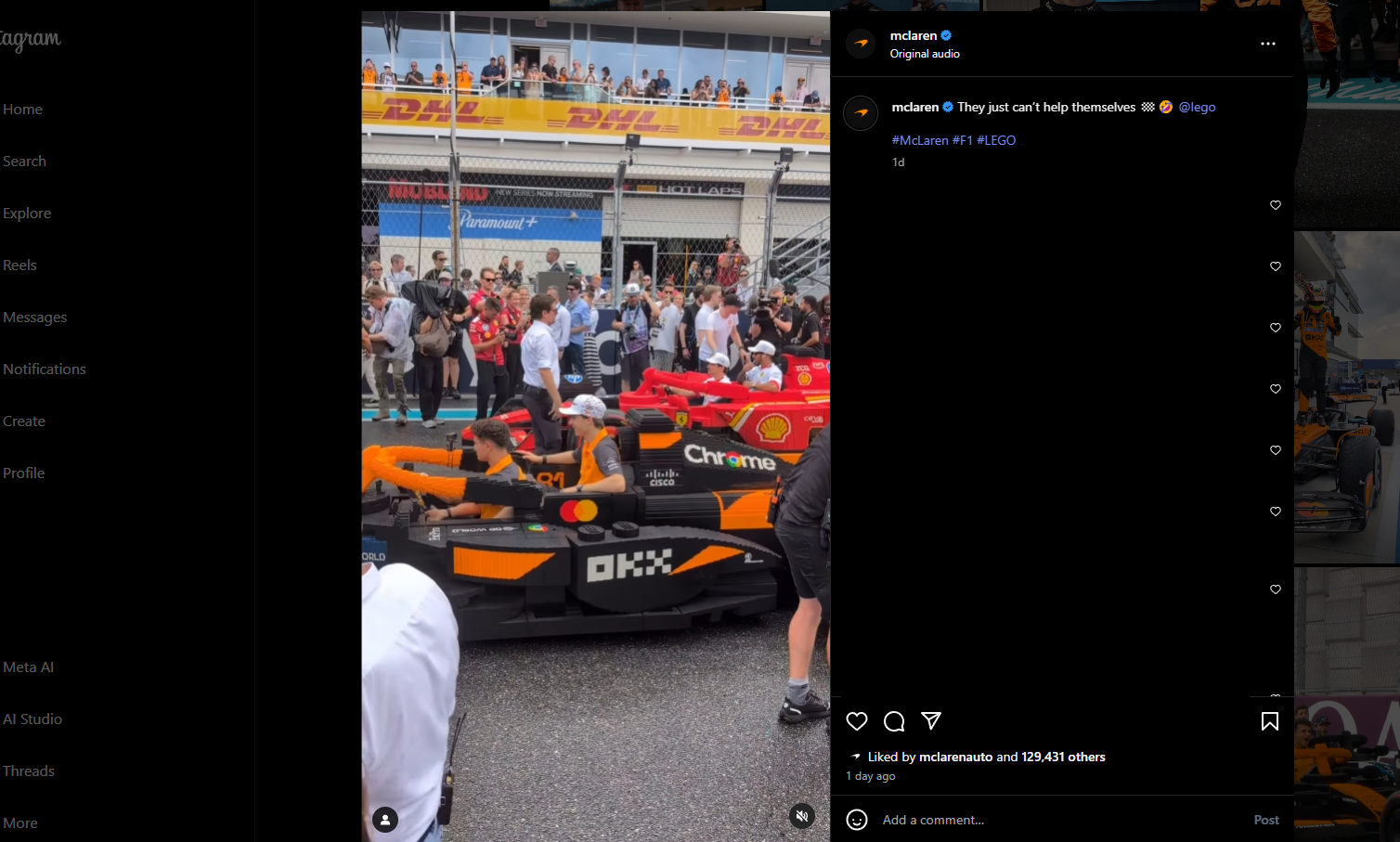
Desktop environments provide the most reliable way to download Instagram Reels in 4K quality:
Browser Extensions
Several browser extensions can detect and download high-quality Instagram content:
Video DownloadHelper (Firefox/Chrome)
- Automatically detects video sources
- Allows quality selection (choose highest)
- Downloads directly to your computer
Developer Tools Method
- Open Instagram in Chrome/Firefox
- Navigate to the Reel
- Open Developer Tools (F12)
- Find the video source file in the Network tab
- Download the highest resolution version
Web-Based Services
For those who prefer not to install extensions, web services offer the simplest solution:
Using GramFetchr:
- Copy the Instagram Reel URL
- Visit GramFetchr's Reel Downloader
- Paste the URL and click Download
- Choose the highest quality option (4K when available)
Processing Batch Downloads
- Some services allow downloading multiple Reels at once
- Perfect for content creators archiving their work
- Maintains consistent quality across all downloads
Desktop downloads generally offer better file management options and the ability to immediately edit or process the downloaded Reels.
Specialized Tools for High-Quality Reel Downloads
For professionals and serious content archivists, specialized tools provide additional features:
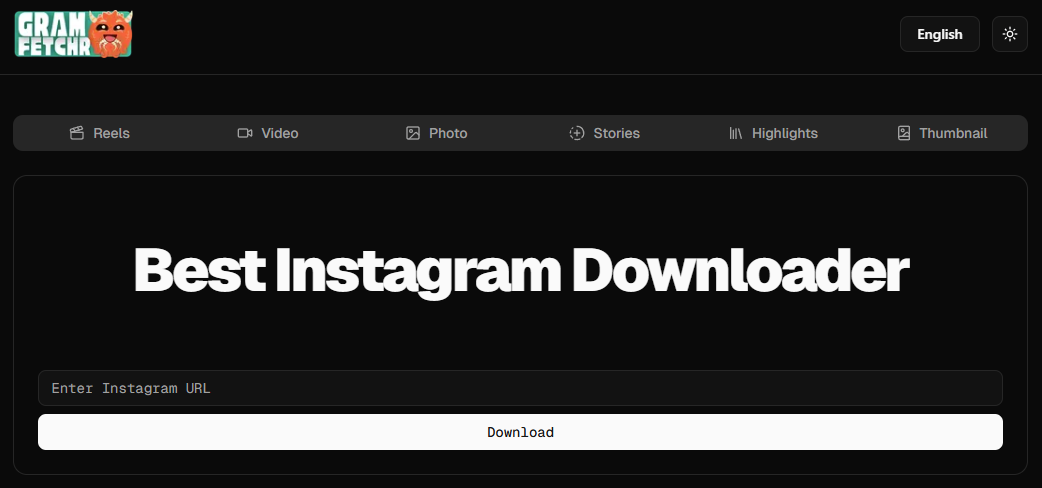
GramFetchr's Advanced Features
GramFetchr offers several advantages for those seeking true 4K downloads:
Original Quality Preservation
- Accesses Instagram's highest quality source files
- Preserves original aspect ratio and resolution
- Maintains audio fidelity without compression
No Login Requirements
- Download any public Reel without an Instagram account
- Preserves privacy and avoids tracking
Format Options
- Download as MP4 (standard)
- Convert to other formats as needed
For Content Creators
Content creators have special requirements when downloading their own Reels:
Watermark Removal
- Download clean versions without the Instagram overlay
- Repurpose for other platforms without branding conflicts
Analytics Integration
- Some professional tools track download statistics
- Helpful for measuring content performance
Metadata Preservation
- Keep important information about creation date, tools used
- Maintain proper attribution for collaborative work
These specialized approaches ensure you're getting the absolute best quality possible, particularly important for professional usage.
Common Issues When Downloading Instagram Reels
Even with the best methods, you might encounter challenges:
Troubleshooting Quality Problems
If your downloads aren't in 4K as expected:
Check the source material
- Not all Reels are uploaded in 4K originally
- Instagram may downscale very large files
Network-related issues
- Slow connections may default to lower quality
- Try downloading during off-peak hours
Service limitations
- Some downloaders have quality caps
- Switch to GramFetchr for guaranteed maximum quality
Solving Access Restrictions
When downloads fail completely:
Private account content
- Only public Reels can be downloaded
- No ethical downloader can access private content
Geo Restrictions
- Some content may be region-locked
- Consider using a VPN as needed
Recently implemented API changes
- Instagram regularly updates its security
- Use regularly updated services like GramFetchr that adapt quickly
By understanding these potential pitfalls, you can ensure more consistent success when downloading Instagram Reels in 4K quality.
Is Downloading Instagram Reels Legal?
Before downloading content, consider the legal and ethical implications:
Understanding Copyright Considerations
The legality of downloading Instagram Reels depends on several factors:
Personal Use Exception
- Downloading for private viewing is generally considered fair use
- Similar to recording television for time-shifting purposes
Creator Rights
- Content creators own the copyright to their work
- Redistribution without permission may violate copyright law
Instagram's Terms of Service
- Instagram's ToS prohibits "unauthorized access"
- Third-party downloaders operate in a legal gray area
Best Practices for Ethical Downloads
To remain ethical when downloading Instagram Reels:
- Always attribute creators if sharing or referencing
- Ask permission before republishing
- Use for personal enjoyment rather than redistribution
- Support creators through legitimate channels
By following these guidelines, you can enjoy downloaded content while respecting creators' rights.
Why GramFetchr Stands Out

Among the many Instagram downloading services, GramFetchr has established itself as the premier solution:
Comprehensive Platform Support
GramFetchr doesn't just handle Reels—it provides specialized tools for all Instagram content types:
- Video Downloader for longer-form content
- Photo Downloader for high-resolution images
- Story Downloader for ephemeral content
- Highlights Downloader for saved stories
- Thumbnail Downloader for cover images
Multi-Language Support
International users benefit from localized versions:
Education and Resources
GramFetchr provides extensive educational content to help users maximize Instagram:
- Understanding Instagram Highlights
- Story Visibility Duration
- Reel Thumbnail Importance
- Anonymous Story Downloads
This comprehensive approach makes GramFetchr the trusted choice for quality-conscious Instagram users.
Conclusion
Downloading Instagram Reels in 4K quality doesn't have to be complicated or expensive. With the right tools and techniques outlined in this guide, you can preserve the visual impact and audio clarity of your favorite content for offline viewing, reference, or inspiration.
Remember to always respect creator rights by using downloaded content ethically and giving proper attribution when sharing. For the most reliable, high-quality downloads, GramFetchr's Reels Downloader provides a free, user-friendly solution that consistently delivers the best results across all devices.
Whether you're a content creator archiving your work, a marketing professional researching trends, or simply an Instagram enthusiast who wants to enjoy your favorite Reels offline, these methods ensure you never compromise on quality again.
Ready to download your first Instagram Reel in stunning 4K quality? Visit GramFetchr now and experience the difference that true high-quality downloads make.